Getting Error while adding custom menu and page via Admin Ui-SDK
The Adobe Commerce Admin UI SDK allows App Builder developers to enhance the Commerce Admin by adding custom menus and pages. I am currently incorporating custom menus and pages based on the sample code provided at
https://github.com/adobe/adobe-commerce-samples
I am following this documentation
https://developer.adobe.com/commerce/extensibility/admin-ui-sdk/app-registration/
and performing all the necessary operations. However, when I run the command aio app deploy, I receive the following error:
Error: missing files in /home/user/Documents/App-Builder/Adobe-admin-ui-sdk/adobe-commerce-samples(new)/admin-ui-sdk/menu/custom-menu/dist/commerce-backend-ui-1/web-prod, maybe you forgot to build your UI?
When I run the command aio dev then I get a response like
https://localhost:9080/
To view your deployed application in the Experience Cloud shell:-> https://experience.adobe.com/?devMode=true#/custom-apps/?localDevUrl=https://localhost:9080
Your actions:
web actions:
-> https://localhost:9080/api/v1/web/admin-ui-sdk/registration
-> https://localhost:9080/api/v1/web/CustomMenu/commerce-rest-get
There is no content on the localhost when I am invoking it in the browser
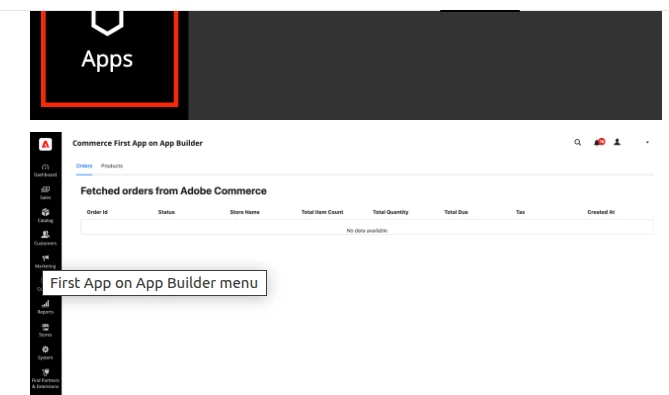
As per the documentation, the browser should show a response like