New
When breaking out 1 dimension by another, set number of rows for all breakouts at once
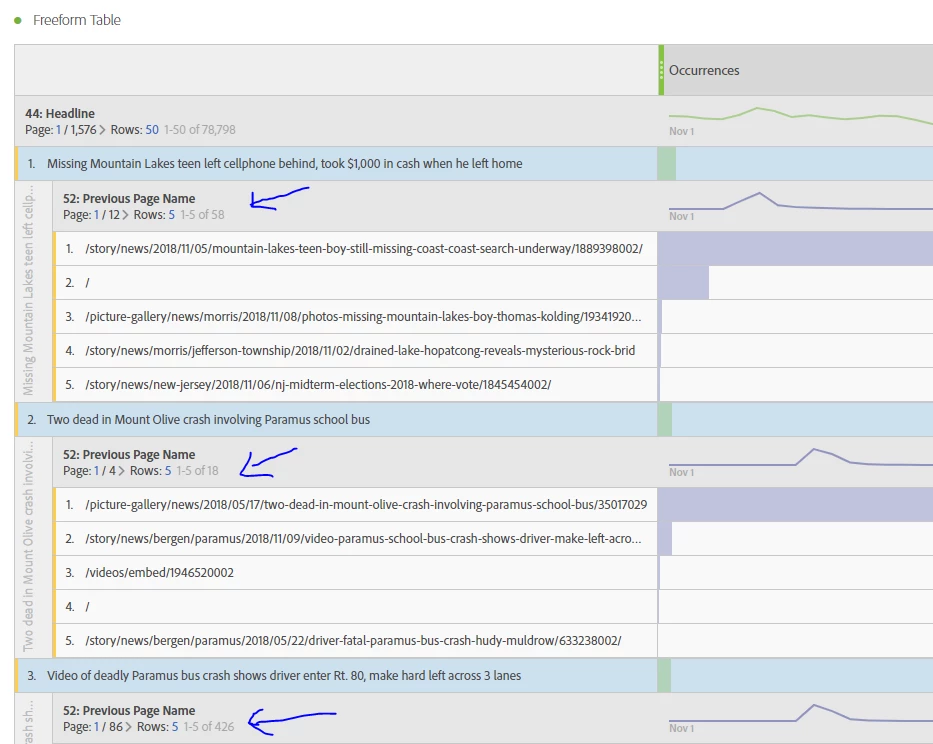
In Workspace, we can select all results from the first dimension and break them all out at once by a second dimension. While everything is still all selected, it would be helpful to be able to change the number of Rows in the first breakout item and have that apply to all the breakouts.