
[Webinar] Adobe Analytics Champions' Tips & Tricks (November 3) | Community
Skip to main content
AlyssaMcGruder
Adobe Employee
Adobe Employee
October 19, 2022

[Webinar] Adobe Analytics Champions' Tips & Tricks (November 3)

  • October 19, 2022
  • 1 reply
  • 3744 views

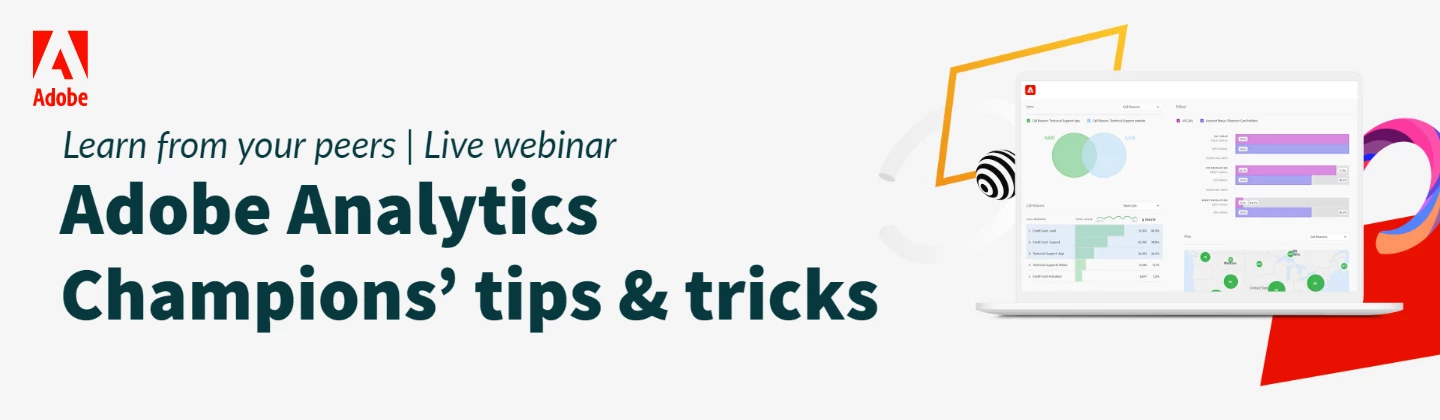
It’s happening! We’ve gathered five Adobe Analytics Champions from across the globe to share the tips and tricks that helped them master Adobe Analytics. Join us on November 3rd at 11:00 AM ET | 5:00 PM CEST for this one-of-a-kind webinar. Here are a few of the topics that will be covered:

  • Calculated metrics and alerts for error tracking
  • Using Adobe Analytics to prevent your digital campaigns from falling through the cracks
  • Must have extensions and apps for your Adobe Analytics instance
  • And so much more

Watch the recording here

Download the slides here 
 

This post is no longer active and is closed to new replies. Need help? Start a new post to ask your question.

1 reply

November 5, 2022

Thank you for sharing. Just a response to the 1st Q. covered at the end of the webinar.

Basically, it depends, we can set up rolling date comparison to the last month/quarter/year, If we set the panel date range as last month/quarter, and choose compare time periods > This month/quarter last year to this date range. This way, you do not need to change the dates within the freeform tables manually.

Moreover, if a year, you choose prior year to this date range.

However, if we wish to have fixed date comparison as last 60 days, so this is a limitation that would require manually updating the dates within the freeform table.