Hi @ujjwalchandra
Yep, you’re on the right track, updating Bot Rules through the CSV is actually pretty straightforward once you’ve done it once.
Here’s a quick step-by-step to make it easier:
-
Go to Admin > Report Suites in Adobe Analytics and select your report suite.
-
Navigate to General > Bot Rules.
-
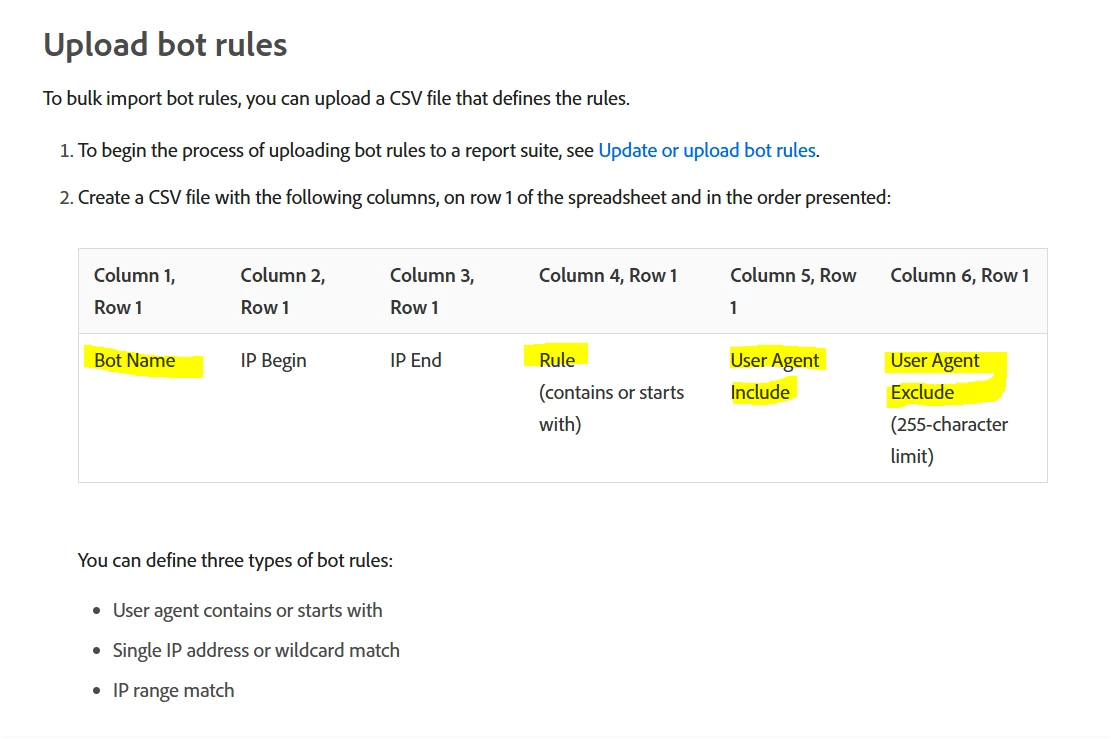
Click “Export File” — this gives you the exact CSV format Adobe expects (with sample headers like IP, UserAgent, ISP, etc.).
-
Use that as your template — just fill in the values you need (you don’t need to populate every column unless required).
-
Save the file and go back to “Import File”.
-
Upload your updated CSV and choose whether to overwrite existing rules or add new ones.
-
Save and download again to confirm the upload worked.
Give it about 24 hours and then check if your updated bot traffic is getting filtered out as expected.
Let me know if you run into any snags — happy to help!