New Member
September 9, 2026
Question

Unable to track more than 1 video on one page

  • September 9, 2026
  • 1 reply
  • 92 views


I am trying to track videos on a webpage. if webpage has 1 video, its getting tracked, but more than 1 video, when i am clicking on 2nd video. Its not getting tracked.

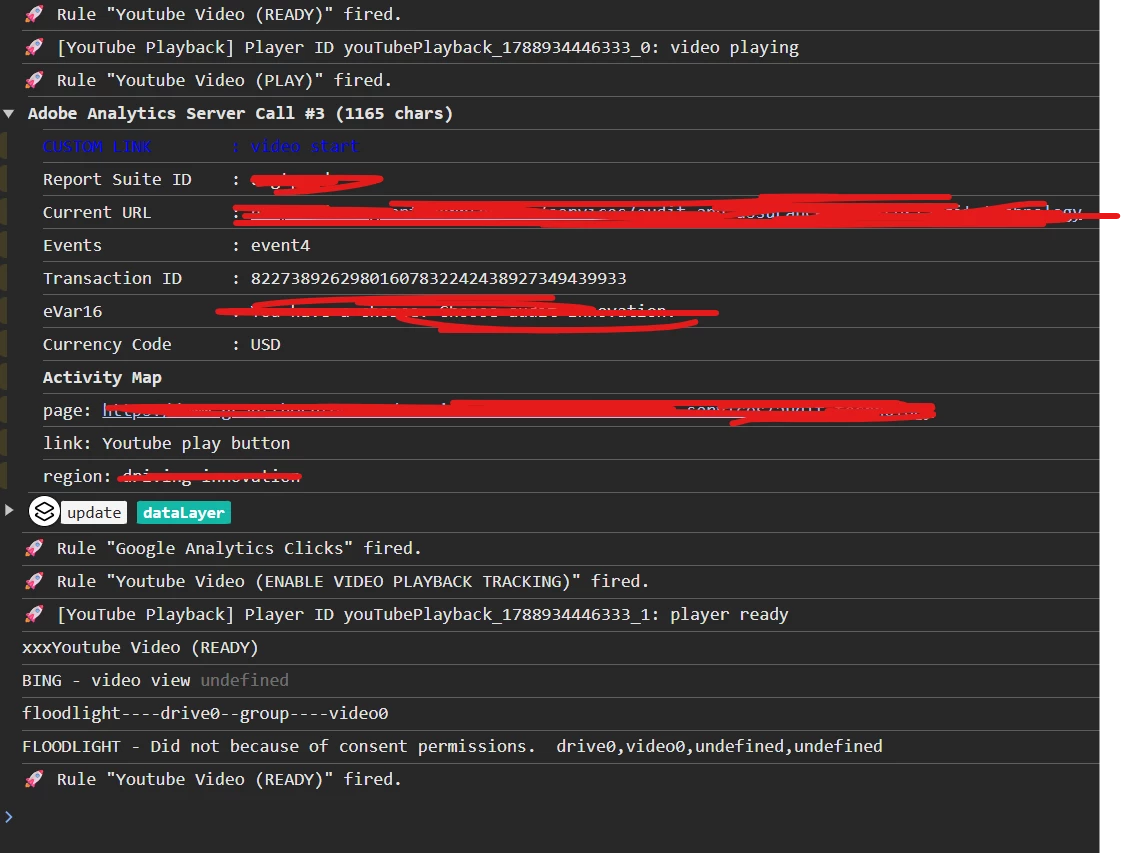
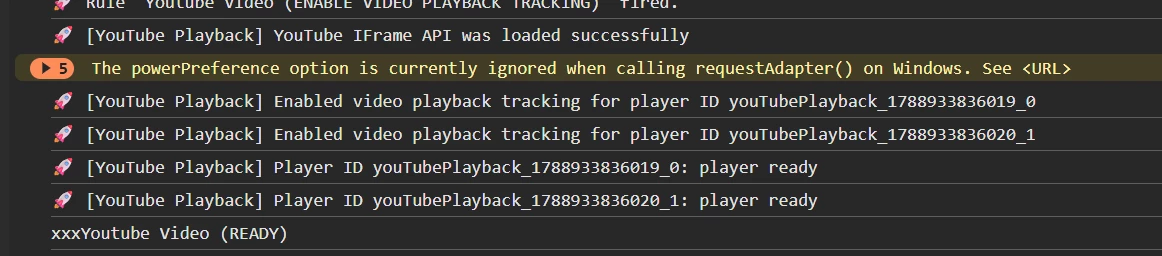
Scenario : When i click on 1st video, its tracked, but 2nd video is not tracked. when i refresh and click on 2nd video. Its tracked  but now 2st is not tracked. (Whichever video i click first gets tracked)


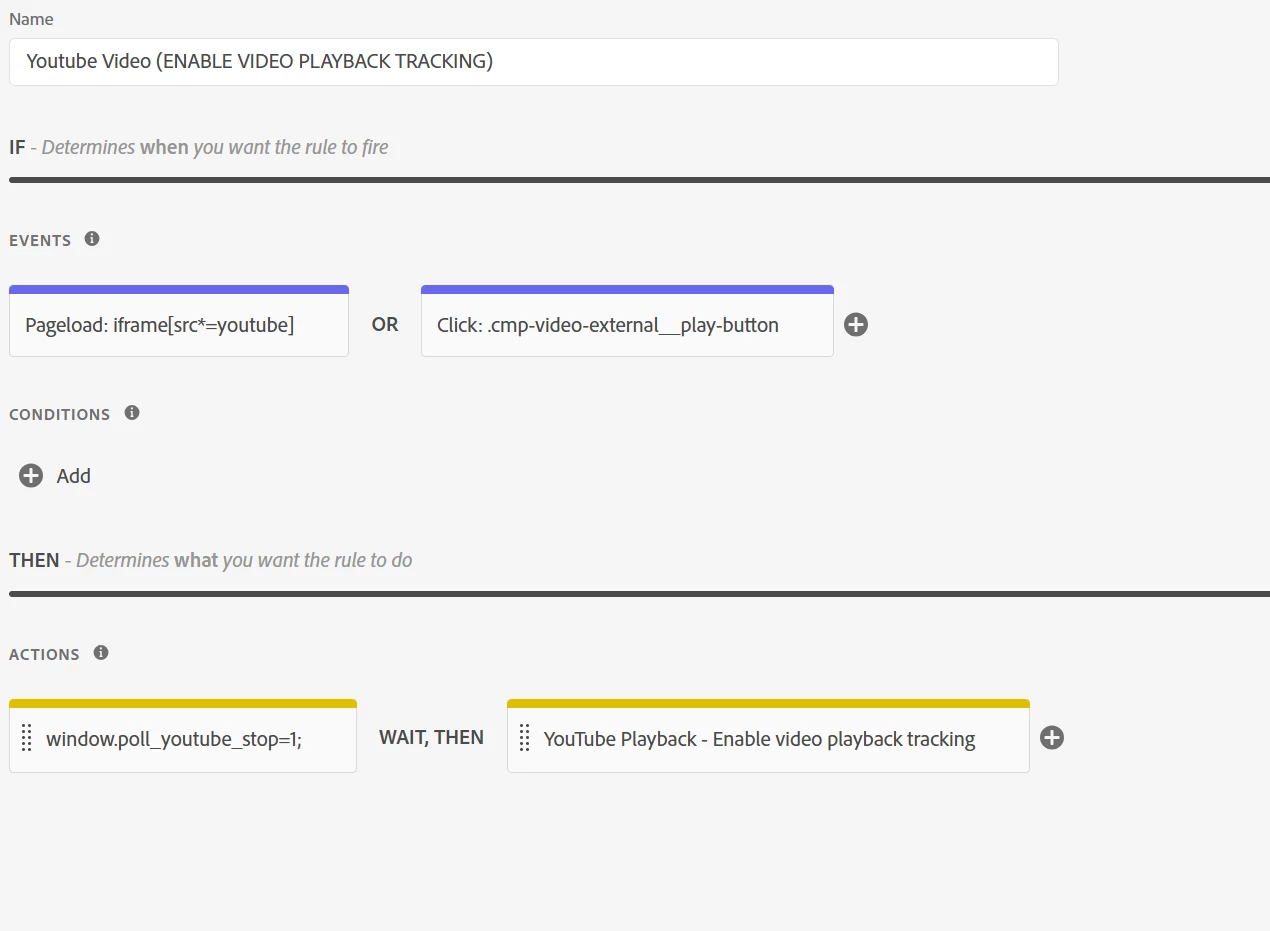
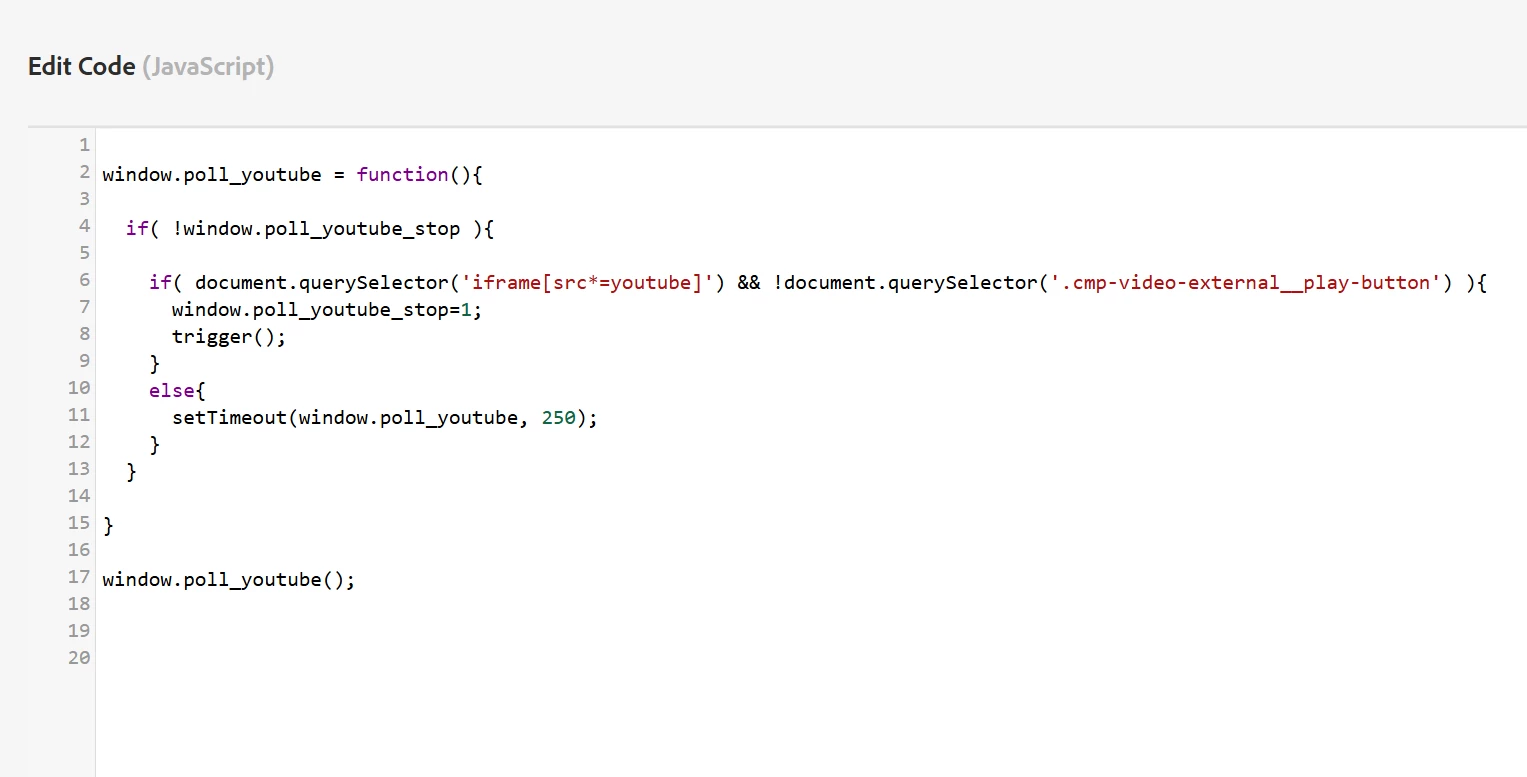
This is the rule for youtube playback enable tracking. I searched on AI tools and it suspecting that problem is in this rule only

for 2nd video...you tube start is not happening even though all seems correct

Note : The above code is for pageload irc frame in events

    1 reply

    Jennifer_Dungan
    Adobe Champion and Community Advisor
    Adobe Champion and Community Advisor
    September 9, 2026

    Part of the issue here is that the code you are using to pull out the “youtube” video will only ever find the first video on the page…  

    document.querySelector finds the first match and stops.


    I am not using any of the YouTube or other video plugins, I never successfully got them to work consistently… but on our site, I worked with our developers to have unique identifiers for each video, provide a data layer with details about all the videos on the page (using the unique id of each video placement), and create custom JS events for video actions (which along with details about the action, pass the unique identifier).


    This way, I can track each video placement properly and in isolation of one another…