


Share Workspace Project with Users Who Are Not Provisioned for Adobe Analytics
As of June 5, 2023, you can now share read-only links to Analysis Workspace projects with people who don’t have access to Adobe Analytics. This link enables sharing with people outside your organization or those within your organization who are not provisioned for Adobe Analytics, as this feature does not require users to log in. While this functionality is now available and enabled by default, the system administrator can turn this feature off. To access this feature in Workspace, navigate to Share > Share with Anyone.
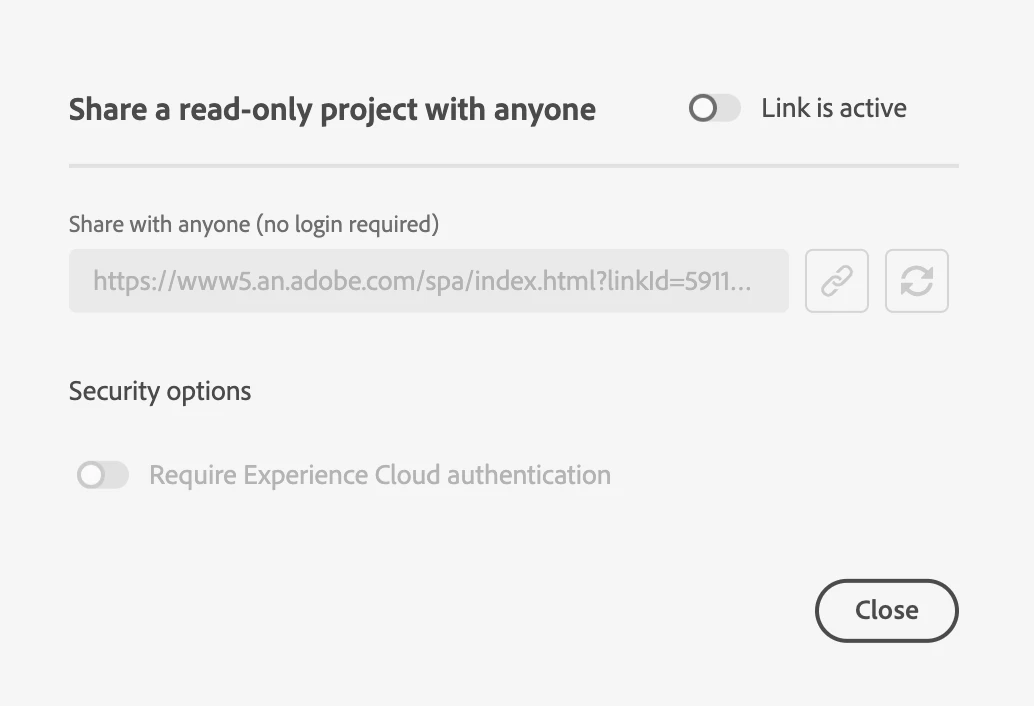
Please note a few caveats when sharing an Analysis Workspace project with people who don’t have access to Adobe Analytics:
- Projects with more than 50 expanded visualizations can only be shared with individuals if provisioned for Adobe Analytics.
- The date range you set for the project is shown to users by default. However, users you share with can change the project’s date range.
- A project may become inaccessible if many users attempt to access a given link simultaneously. By default, more than 190 people can access a single link to a project every 5 minutes. If you reach this limit, wait 5 minutes and then try to re-access the link.