jinp74012649
Jan 29, 2021 3:01 PM UTC
Solved

'Send file on schedule' function is not working

Multiple attempt and long waiting the screen is still in loading as following

*even trying in different device it is not working!*
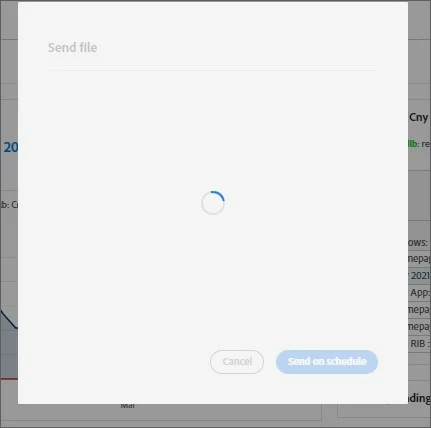
 

Could you get it fixed asap? 

This post is no longer active and is closed to new replies. Need help? Start a new post to ask your question.
yuhuisg
yuhuisgAccepted solution
Community Advisor
Feb 1, 2021 1:22 AM UTC

(Disclosure: I am not an Adobe employee.)

In your browser, when opening the "Send file on schedule" overlay:

  • Do you get any errors in the Console panel?
  • Do you get any errors in the Network panel?

9 replies

Level 7
Jan 29, 2021 8:05 PM UTC

@jinp74012649  Can you please try clearing cookies and cache and then try accessing it ?

Translate
jinp74012649
Jan 30, 2021 4:35 AM UTC
clear cache cookies on 2 different device, it still do not work. I am still not able to schedule report
Translate
yuhuisg
Community Advisor
yuhuisgCommunity AdvisorAccepted solution
Community Advisor
Feb 1, 2021 1:22 AM UTC

(Disclosure: I am not an Adobe employee.)

In your browser, when opening the "Send file on schedule" overlay:

  • Do you get any errors in the Console panel?
  • Do you get any errors in the Network panel?
Translate
PratheepArunRaj
Adobe Champion, Community Advisor, UG Leader
Feb 1, 2021 1:50 AM UTC


Translate
Thank You, Pratheep Arun Raj B (Arun) | Xerago | Terryn Winter Analytics
jantzen_b
Adobe Employee
Adobe Employee
Feb 1, 2021 4:34 PM UTC

Is there another user in your org that can try the same workflow? If you've tried different browsers and tried clearing your cache & cookies then this might be a bug or possibly an issue with your specific user/machine. I'd suggest trying on a completely different computer and asking a coworker to also try this workflow. If neither of you are able to get past the loading screen, you'll want to contact Client Care.

Translate