ootb field in Adobe analytics with sdk | Community
Skip to main content
Level 4
May 12, 2022
Solved

ootb field in Adobe analytics with sdk

  • May 12, 2022
  • 1 reply
  • 997 views

Hi all, 


we have implemented the analytics solution on our website using the Edge network extension.


We see that most of the data that should be mapped automatically (like colorDepth, cookieEnabled and so on) are not mapped in the edge network call. 

Even if we populate them in the Tag Property that we use to trigger the rule they don't appear in Analytics report. 


is there a workaroud for this issue? 

thanks a lot

 

This post is no longer active and is closed to new replies. Need help? Start a new post to ask your question.
Best answer by yuhuisg

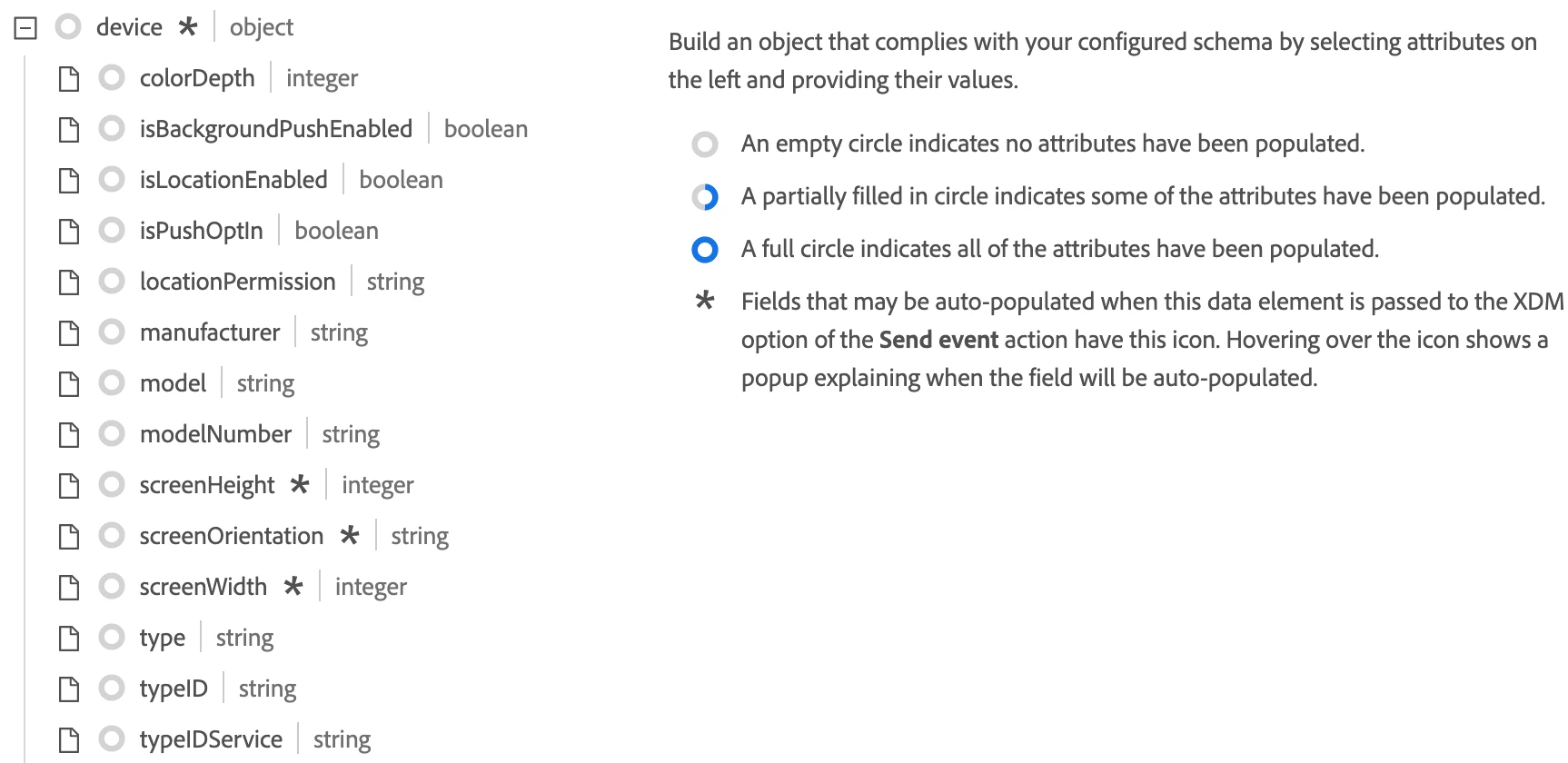
Assuming you have populated the XDM object's "device"-related fields:

Then I would expect them to get mapped to the appropriate AA variables, based on this article: https://experienceleague.adobe.com/docs/experience-platform/edge/data-collection/adobe-analytics/automatically-mapped-vars.html?lang=en

If they're still not being mapped, then I suggest that you bring this up with Client Care for them to get Engineering to look into this promptly.


1 reply

yuhuisg
Community Advisor
yuhuisgCommunity AdvisorAccepted solution
Community Advisor
May 16, 2022

Assuming you have populated the XDM object's "device"-related fields:

Then I would expect them to get mapped to the appropriate AA variables, based on this article: https://experienceleague.adobe.com/docs/experience-platform/edge/data-collection/adobe-analytics/automatically-mapped-vars.html?lang=en

If they're still not being mapped, then I suggest that you bring this up with Client Care for them to get Engineering to look into this promptly.


Adobe Employee
May 20, 2022

To see the "automatically mapped" variables in Analytics, they must be included in the XDM payload.

Have you checked the schema and the XDM sent out from the website if it contains all the required values?