
Solved
Not able to open Adobe Analytics from Experience Cloud
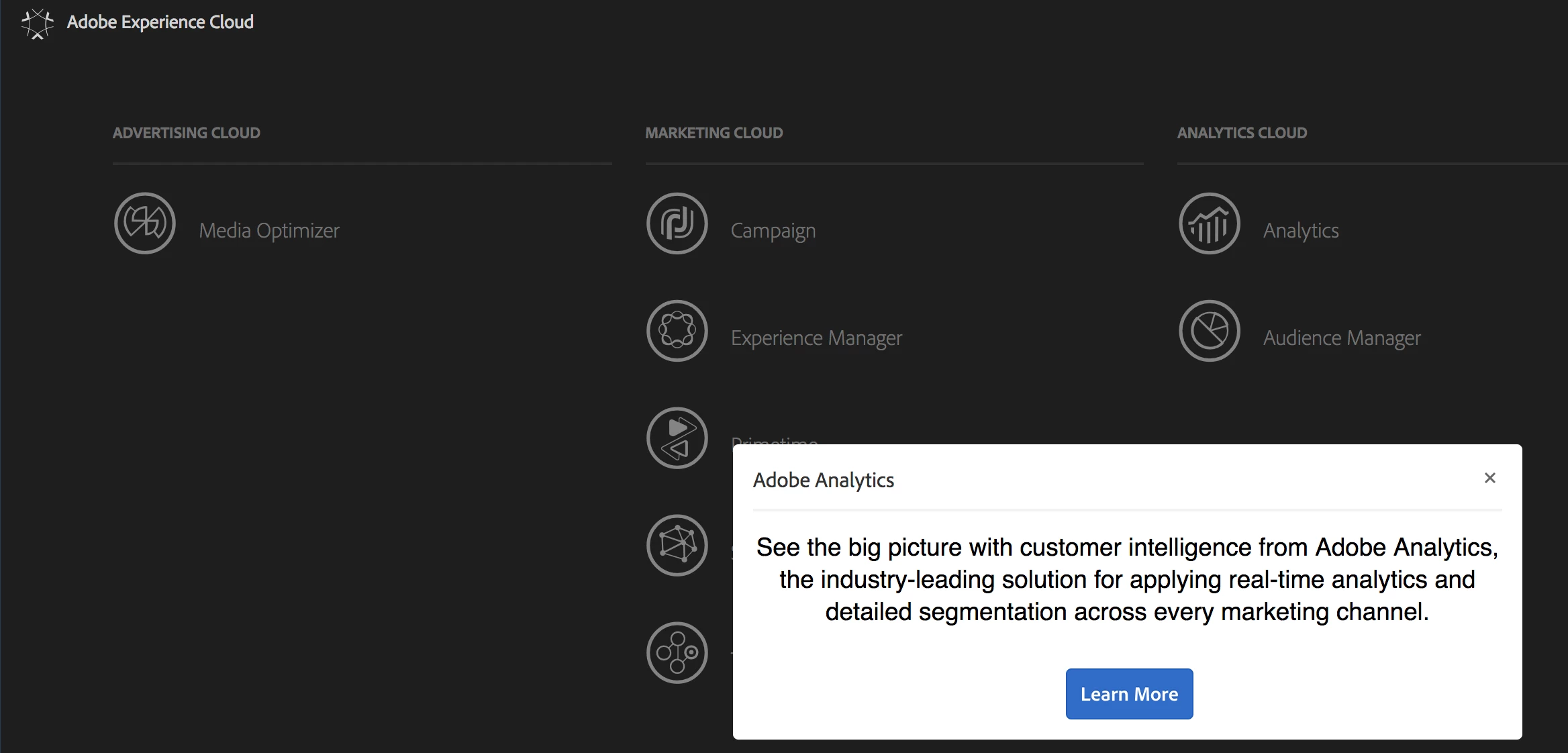
On clicking the Analytics option from the Experience Cloud menu, it opens the popup with the link to documentation. Where should I go to open the analytics workspace.
On clicking the Analytics option from the Experience Cloud menu, it opens the popup with the link to documentation. Where should I go to open the analytics workspace.
Enter your E-mail address. We'll send you an e-mail with instructions to reset your password.
