iOS Application crash with "Do not Embed" Adobe Frameworks.
Hi Team,
I have added Adobe frameworks in an iOS application and using binaries. i.e xcframeworks
Below are the frameworks:
- AEPCore.xcframework
- AEPUserProfile.xcframework
- AEPAnalytics.xcframework
- AEPMobileServices.xcframework
- AEPRulesEngine.xcframework
- AEPSignal.xcframework
- AEPLifecycle.xcframework
- AEPServices.xcframework
- AEPAssurance.xcframework
- AEPIdentity.xcframework
In Xcode General tab , I have kept it as "Do not embed" for all the frameworks.
Screenshot for frameworks:
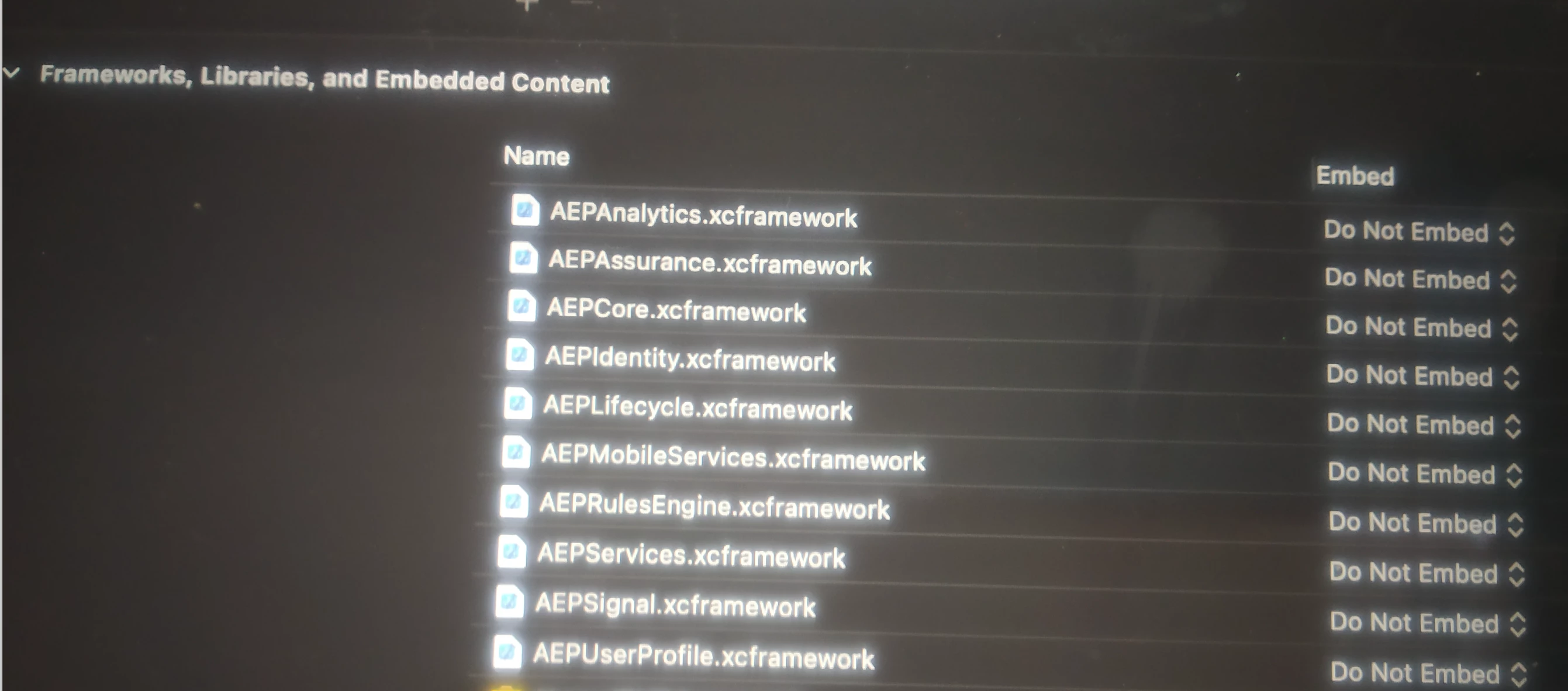
When I kill the application and open the app again the application gets crashed with the following logs.
Logs:
dyld: Library not loaded: @rpath/AEPAssurance.framework/AEPAssurance
Referenced from: /private/var/containers/Bundle/Application/6EF49835-678A-4B35-913B-5D88E3433DA3/app_name.app/app_name
Reason:
dyld: launch, loading dependent libraries
DYLD_LIBRARY_PATH=/usr/lib/system/introspection
DYLD_INSERT_LIBRARIES=/Developer/usr/lib/libBacktraceRecording.dylib:/Developer/usr/lib/libMainThreadChecker.dylib:/Developer/Library/PrivateFrameworks/DTDDISupport.framework/libViewDebuggerSupport.dylib
Need your assistance in this issue.