How to show the Summary Change with decimals? | Community
Skip to main content
August 29, 2023
Solved

How to show the Summary Change with decimals?

  • August 29, 2023
  • 2 replies
  • 1900 views

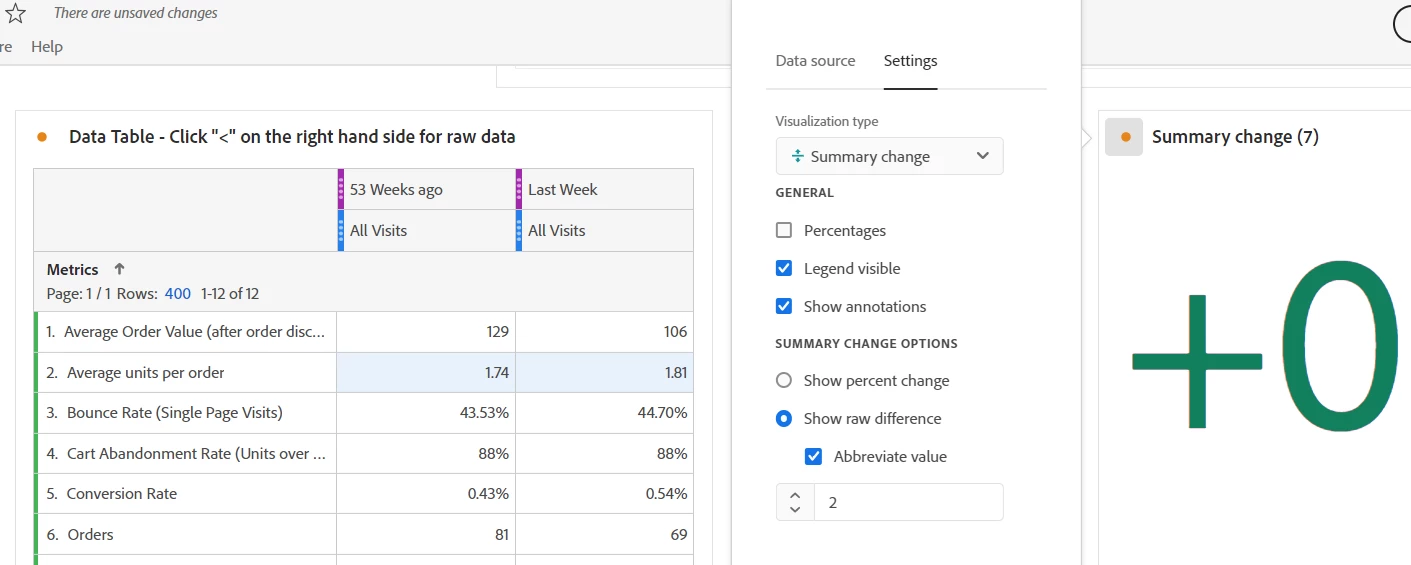
I want to show the units change with decimals. But seems the 'Abbreviate value' setting does not work.  Someone can help to resolve the problem. 


This post is no longer active and is closed to new replies. Need help? Start a new post to ask your question.
Best answer by Jennifer_Dungan

Ah... I see the problem... with numbers that small, even without Abbreviate, it's not showing the decimals... 


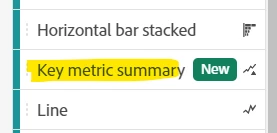
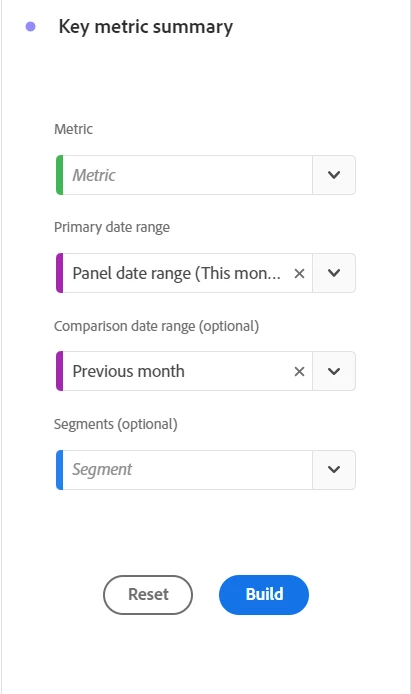
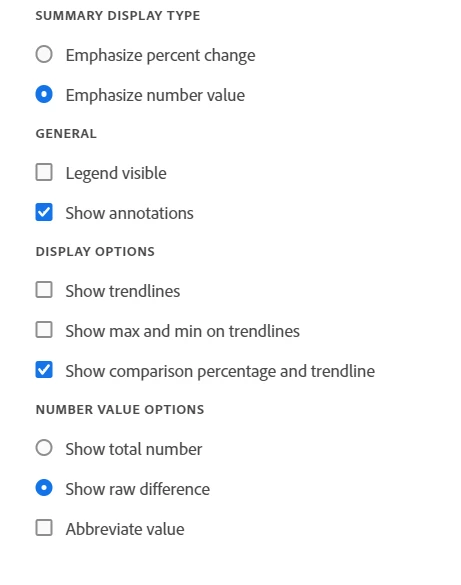
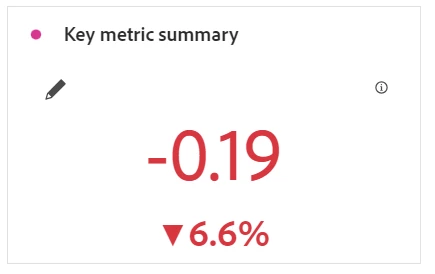
But, if you use the new "Key Metric Summary (which you can't build from a table, but have to add the metrics/segments/etc directly), you can turn off the trend line, and it does show the raw difference in decimal places. You can't turn off the % though, so if you can live with this display, this may be a better option for now... (I would also log an idea to allow for decimal places without abbreviated display to be added to a normal summary change visualization for small numbers)


2 replies

jeff_bloomer
Community Advisor and Adobe Champion
August 29, 2023

The abbreviate value appears to work for higher value numbers more along the lines like when you get to numbers above 1,000.  For instance:

I have not necessarily seen it used in cases to differentiate raw numbers that low before.  Percentages, yes, but not raw numbers.


Jennifer_Dungan
Community Advisor and Adobe Champion
August 29, 2023

I agree with @jeff_bloomer, the "Abbreviate" feature is to convert large numbers like 168,556 or 1,774,346, etc down to an "abbreviated" format to make them 168.5K or 1.77M, etc.


With numbers that small, you don't need the abbreviate function.

Jennifer_Dungan
Community Advisor and Adobe Champion
Jennifer_DunganCommunity Advisor and Adobe ChampionAccepted solution
Community Advisor and Adobe Champion
August 29, 2023

Ah... I see the problem... with numbers that small, even without Abbreviate, it's not showing the decimals... 


But, if you use the new "Key Metric Summary (which you can't build from a table, but have to add the metrics/segments/etc directly), you can turn off the trend line, and it does show the raw difference in decimal places. You can't turn off the % though, so if you can live with this display, this may be a better option for now... (I would also log an idea to allow for decimal places without abbreviated display to be added to a normal summary change visualization for small numbers)


Level 5
August 29, 2023

Hi @sarah_zhang 


Summary Number visualization in Workspace shows the data upto 2 decimal places by default. With Summary Number Options: Abbreviate Value you can choose from 0 to 3 decimal places for abbreviated values.


Document reference: https://experienceleague.adobe.com/docs/analytics/analyze/analysis-workspace/visualizations/summary-number-change.html?lang=en


Jennifer_Dungan
Community Advisor and Adobe Champion
August 29, 2023

But they aren't trying to do a summary number.. they are trying to get a summary change between two time frames.... so even if Summary Number shows decimal points, it won't show the data they need to display, unfortunately.