
How to define CSS selector to select first element in Core extension | Community
Skip to main content
DineshRkumar
Level 3
March 26, 2026
Question

How to define CSS selector to select first element in Core extension

  • March 26, 2026
  • 1 reply
  • 15 views

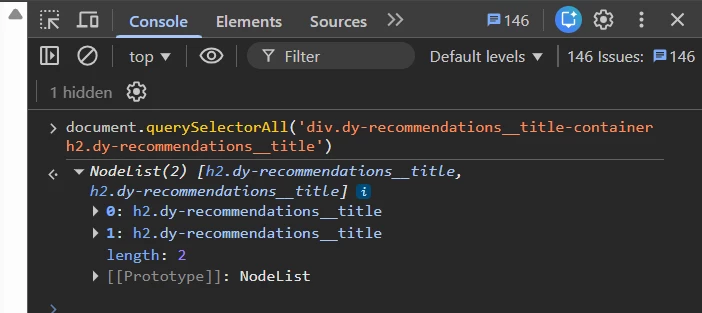
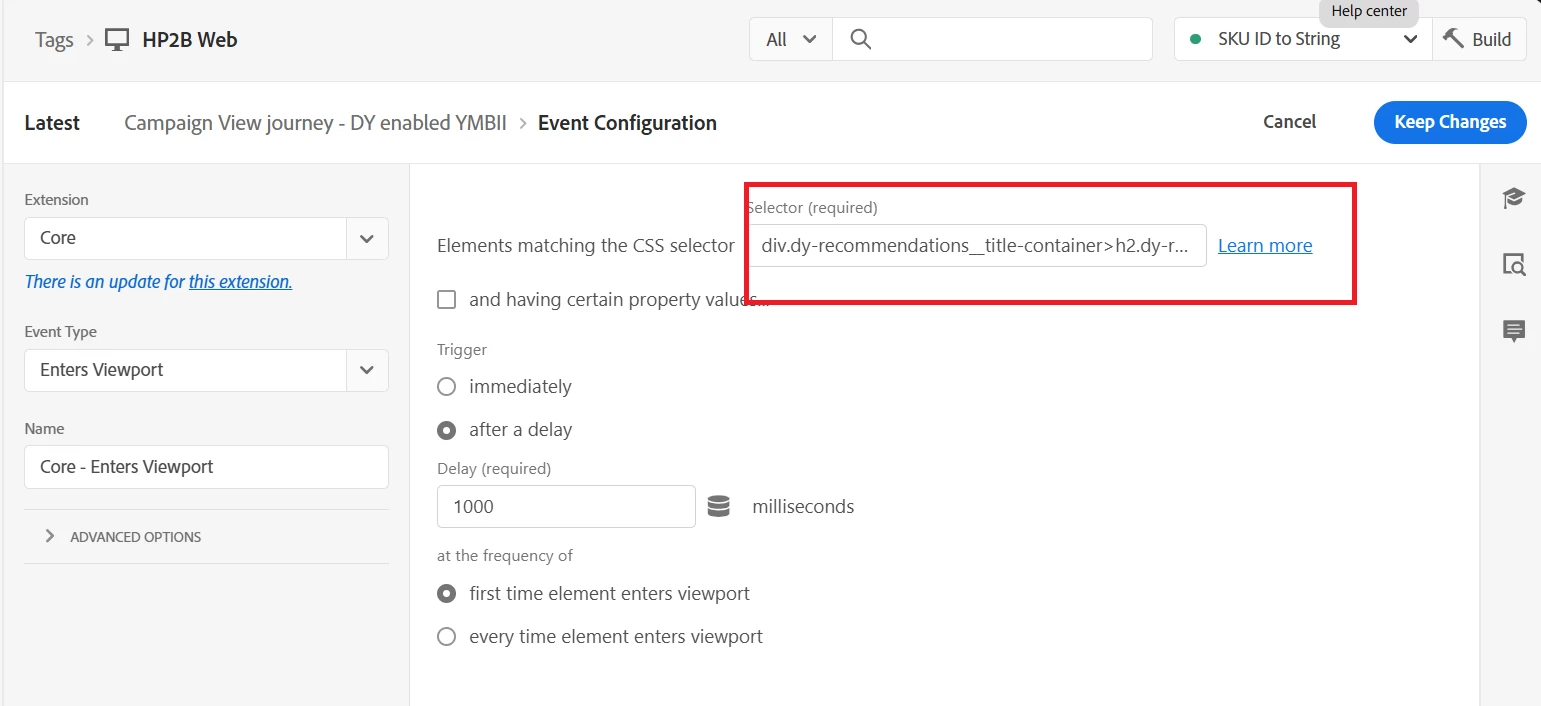
Hi Team, need your help to define CSS selector to select first element in Core extension in Data Collection. What needs to be written to select the first element out 2 as shown in the screen shot.


1 reply

Isha Gupta
Community Advisor and Adobe Champion
March 26, 2026

Hi ​@DineshRkumar ,


It’s an array of elements so you can simply use [0] to get the first child. So your selector becomes !--scriptorstartfragment-->

document.querySelectorAll(‘div.dy-recommendations__title-containerh2.dy-recommendations__title)[0]!--scriptorendfragment-->


Best,

Isha

Jennifer_Dungan
Community Advisor and Adobe Champion
March 27, 2026

The [0] would work if you are using native JS to write the selector rule…  since the [0] exists outside of the actual selector…

But, using the Adobe Launch UI like this, that won’t work…

These is the :first-child or :first-of-type that can be added into your selector…  Try that? 

Jennifer_Dungan
Community Advisor and Adobe Champion
March 27, 2026

I believe you can also use :first


But this might not work in all browsers…
