How to Create Calculated Metrics for Grading Users Based on Activity Combinations in Adobe Analytics? | Community
Skip to main content
rigelguzman
January 21, 2025
Solved

How to Create Calculated Metrics for Grading Users Based on Activity Combinations in Adobe Analytics?

  • January 21, 2025
  • 1 reply
  • 572 views

Hi everyone,

I’m working on a grading system in Adobe Analytics to classify users into levels (Level 1, Level 2, Level 3) based on specific activity combinations. Each level has defined rules like these:

  • Level 1 Graded:

    • Complete Activity Level 1 at least once, OR
    • Complete Activity Level 2 at least 3 times, OR
    • Complete Activity Level 3 at least 2 times AND Activity Level 2 at least 2 times.
  • Level 2 Graded:

    • Complete Activity Level 2 at least twice, OR
    • Complete Activity Level 2 once AND Activity Level 3 at least 2 times, OR
    • Complete Activity Level 3 at least 3 times.
  • Level 3 Graded:

    • Complete any Activity Level 3 at least once.

The goal is to create calculated metrics for each level that return the count of Unique Visitors who meet the specific combinations of activities required for that level.

I’ve tried using the IF function in the Calculated Metric Builder to define these rules, but I’m unsure how to handle multiple conditions (e.g., combining "AND" and "OR" logic).

Questions:

  1. How can I configure calculated metrics to correctly count Unique Visitors who meet these specific activity combinations for grading?
  2. Are there any best practices or examples for implementing this type of logic in Adobe Analytics?

Thank you for your help!
This post is no longer active and is closed to new replies. Need help? Start a new post to ask your question.
Best answer by bjoern__koth

Hi @rigelguzman 

I think in this case you may rather go for segments than calculated metrics and filter it in combination with unique visitors in your dashboard.


So, imagine this setup for "Level1 Graded" with some actual event definitions of mine

  • Event Registrations == "Activity Level1"
  • File Downloads == "Activity Level2"
  • Internal Searches == "Activity Level3"


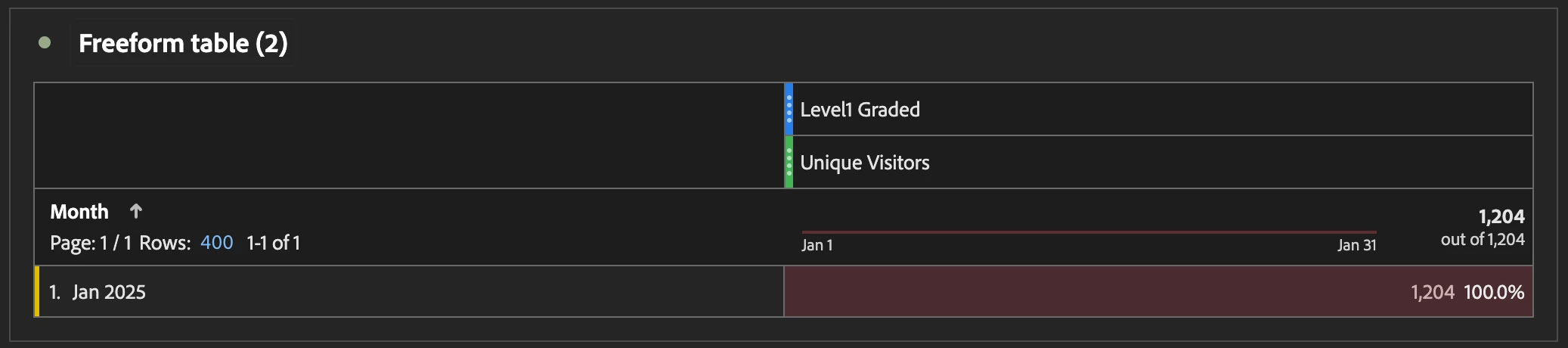
You can build up something like this in your workspace

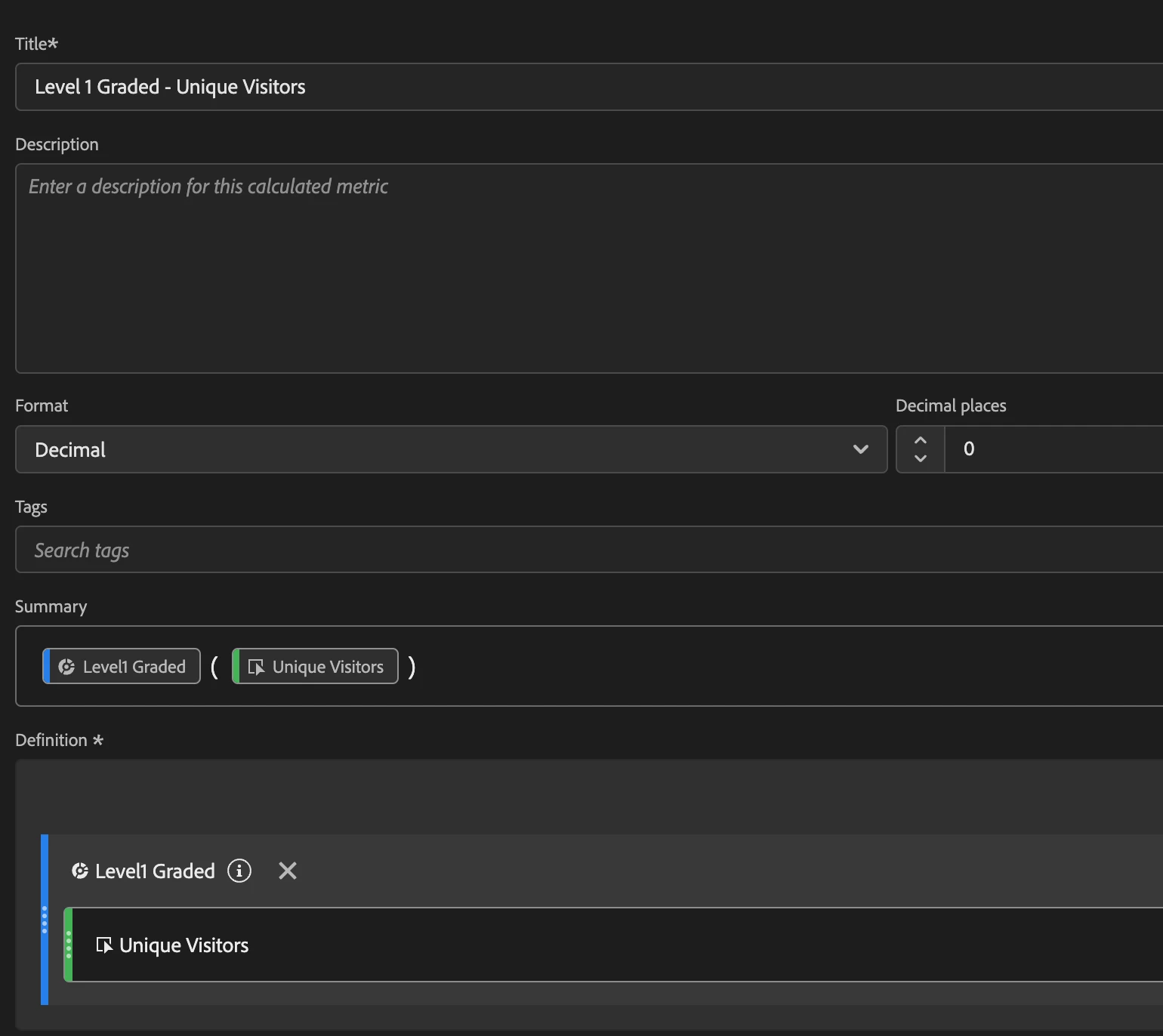
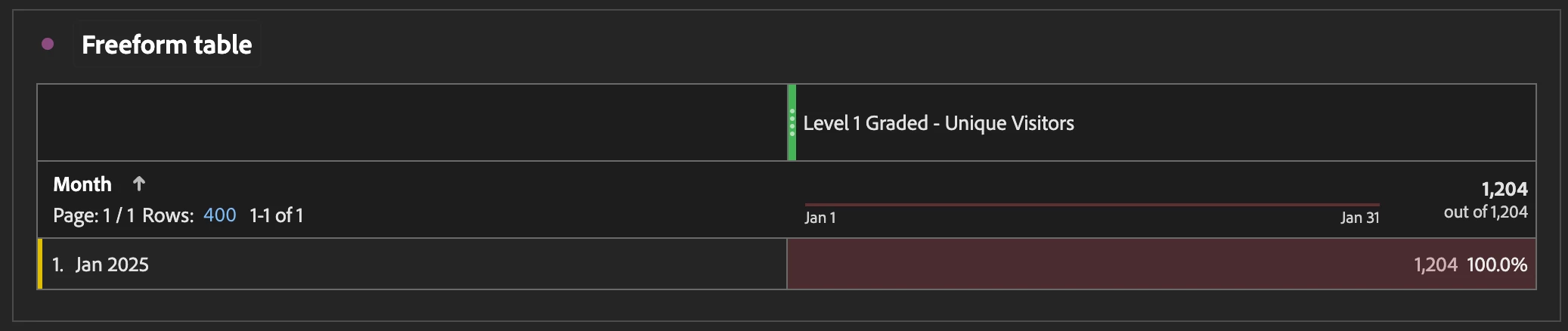
or create a calculated metric using the segment to use it directly


Side note: it seems to me - please correct me if I am wrong - that the segments are not mutually exclusive, correct?

Like with "First Time Visits" and "Return Visits", a user can over time be listed in both, if the time frame is big enough, thus the sum of Level 2 graded Unique Visitors + Level 3 Graded Unique Visitors will be greater than the actual number of Unique Visitors

1 reply

bjoern__koth
Community Advisor and Adobe Champion
bjoern__kothCommunity Advisor and Adobe ChampionAccepted solution
Community Advisor and Adobe Champion
January 21, 2025

Hi @rigelguzman 

I think in this case you may rather go for segments than calculated metrics and filter it in combination with unique visitors in your dashboard.


So, imagine this setup for "Level1 Graded" with some actual event definitions of mine

  • Event Registrations == "Activity Level1"
  • File Downloads == "Activity Level2"
  • Internal Searches == "Activity Level3"


You can build up something like this in your workspace

or create a calculated metric using the segment to use it directly


Side note: it seems to me - please correct me if I am wrong - that the segments are not mutually exclusive, correct?

Like with "First Time Visits" and "Return Visits", a user can over time be listed in both, if the time frame is big enough, thus the sum of Level 2 graded Unique Visitors + Level 3 Graded Unique Visitors will be greater than the actual number of Unique Visitors

Cheers from Switzerland!
Jennifer_Dungan
Community Advisor and Adobe Champion
January 21, 2025

Yes, I feel that segmentation would be a better option... 


You can build out a lot more complex logic with "AND", "OR" and even "Sequential Logic" (if needed). 


Segments will not be mutually exclusive, unless you explicitly add "Exclusions" to your segments to prevent cross over (if you need), but this will make the logic of your segments quick complex.. There is no way to link a segment inside another segment (so that if the one segment is updated, the one with the link will pick up the new logic). While you can drag a segment inside another segment, this merely creates a copy of the logic...