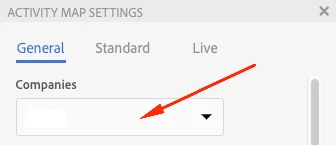
How to change the company when integrate with Analytics Activity Map
Hi guys,
I am trying to integrate AEM with Analytics Activity Map. One problem is that my Analytics account is associated with several companies. I set up the Analytics integration (legacy cloud service) using Company A. However, when I access the activity map layer, after logging in with the experience cloud user account, it keeps using the Company B. Therefore, it gives error like "no access to the report suite", "cannot retrieve report suite", etc.
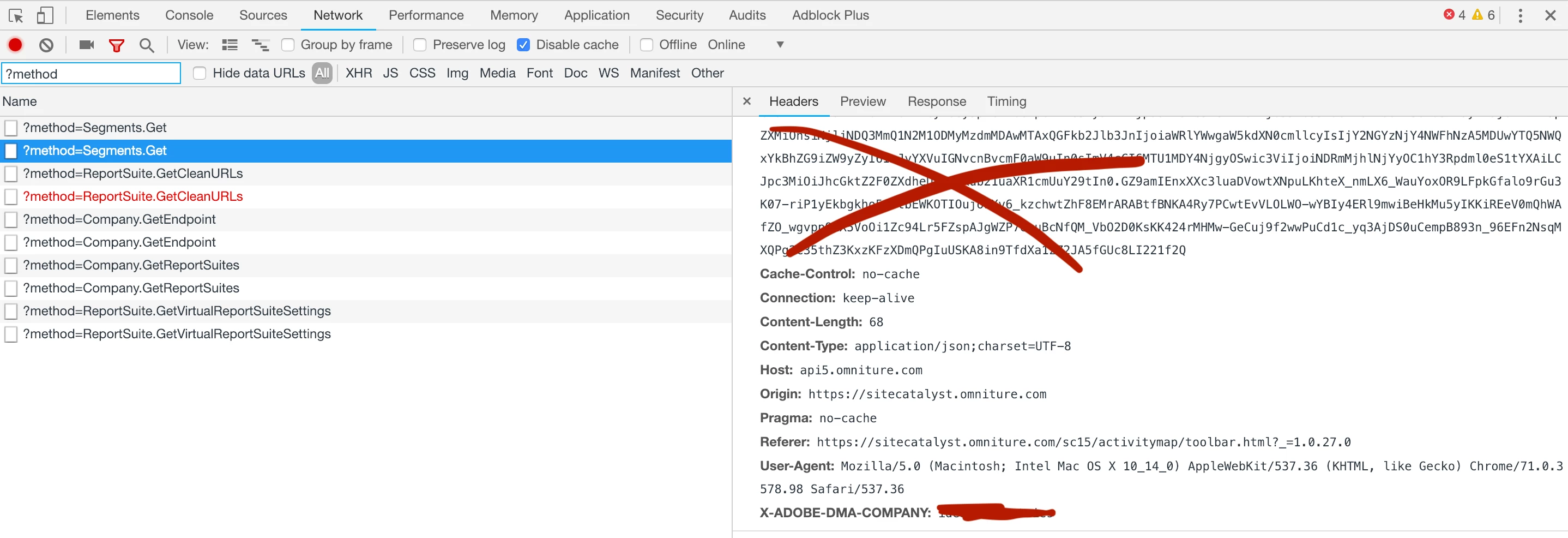
I double checked the company name in /etc/cloudservices/sitecatalyst/XXXXXX/jcr:content in crx/de, which is company A. I have no idea whether there are some other place to change the company.
It seems that the company is encoded inside response.
You can view the company from X-ADOBE-DMA-COMPANY.
Any help?
Thanks