Has there been a recent change in visualisations border spacing and width? | Community
Skip to main content
Level 2
July 9, 2024
Question

Has there been a recent change in visualisations border spacing and width?

  • July 9, 2024
  • 2 replies
  • 1317 views

<Update - Looks like this was a bug and it's been resolved - yay!>


Hi AA community! Long time follower, first time poster 🙂


I can't see anything in the latest Analytics release notes but has there been recently an update so that visualisations modules no longer have a gap between each other and instead they 'connect' together? I've seen this on when using Graphs and Summary Changes modules mainly (key info has been redacted)
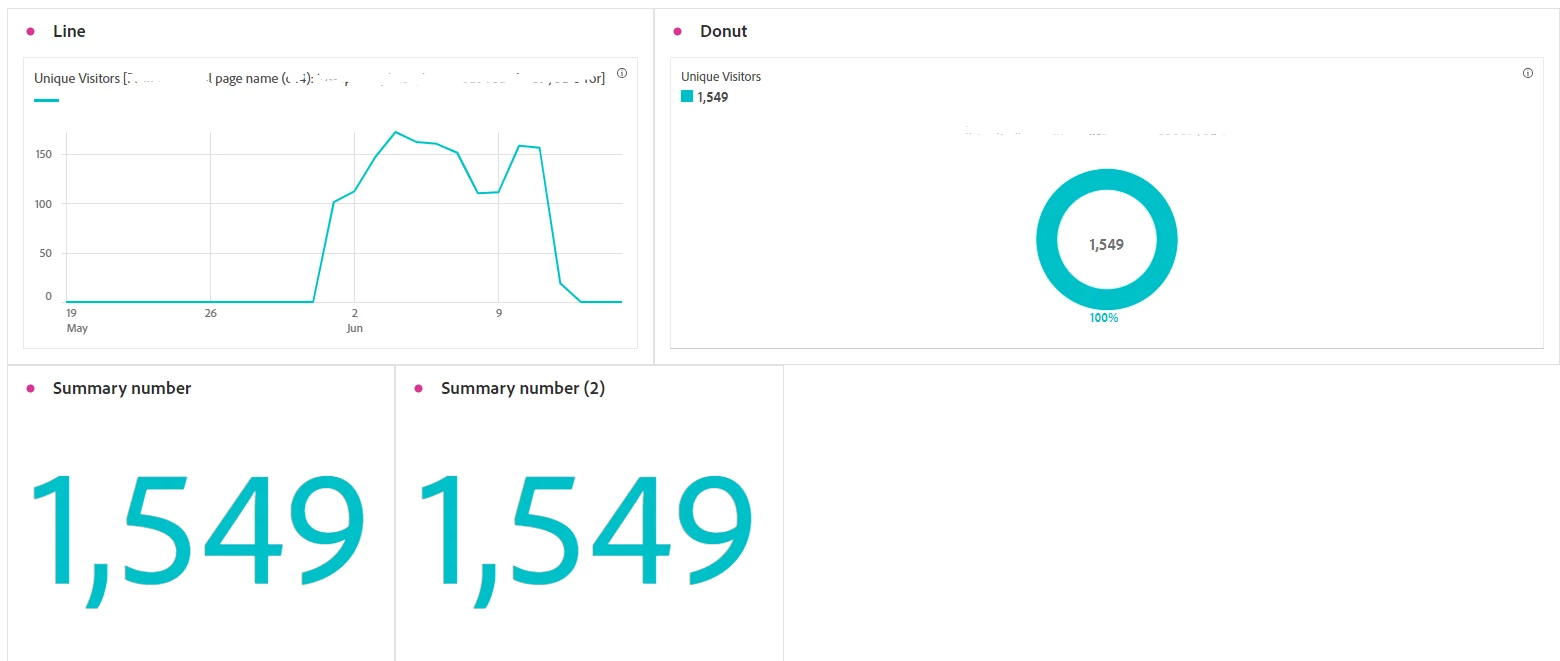
 

It also seems that the visualisation width is wider than the dashboard. It also seems that the visualisation width is wider than the dashboard so it's triggering a few OCD dashboard users 🙂  - example of borders shown below 

 

Thanks in advance for your responses! 

This post is no longer active and is closed to new replies. Need help? Start a new post to ask your question.

2 replies

Jennifer_Dungan
Community Advisor and Adobe Champion
July 9, 2024

I noticed that same thing, and I was discussing with a colleague... we're also not sure if this is intentional or a bug.. 


Not sure if you noticed, but the resize handles also line up in the original positions and not where the lines are... so it's making resizing more challenging.


I really hope this is a bug and it gets fixed soon... I really don't like the blocks being so misaligned either.

Cici247Author
Level 2
July 9, 2024

Oh yes I did notice the resize handles - it threw me off! 


Fingers crossed it's a bug - but glad it isn't just us who's seeing this

Cici247Author
Level 2
July 9, 2024

Update: I've checked a few dashboards this morning and it looks like it was a bug - the borders have returned back to before! Huzzah!

Jennifer_Dungan
Community Advisor and Adobe Champion
July 9, 2024

Same here! Phew