Free form table | Community
Skip to main content
Level 2
December 3, 2024
Solved

Free form table

  • December 3, 2024
  • 2 replies
  • 519 views

Hi all, I created a freeform table with visits by tracking code. Is there a way to sort the tracking codes not by the highest number of visits but by other criteria? (for example, the order requested by the customer). I tried to create one by dragging the tracking codes one by one, but when there is the one with the highest value it goes up in the table.
Best answer by jeff_bloomer

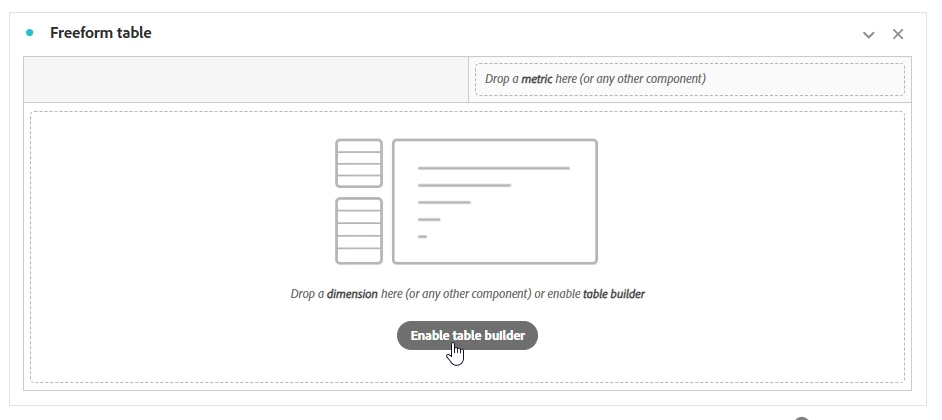
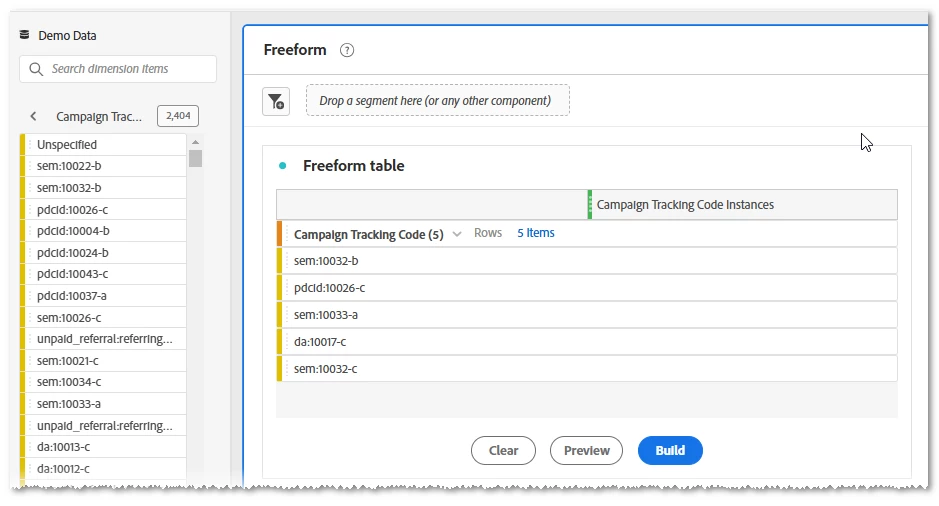
@michelata One hack you can do right off the bat is to use the "table builder" feature and literally drag the tracking codes into your Freeform Table in the order you would like them to appear:

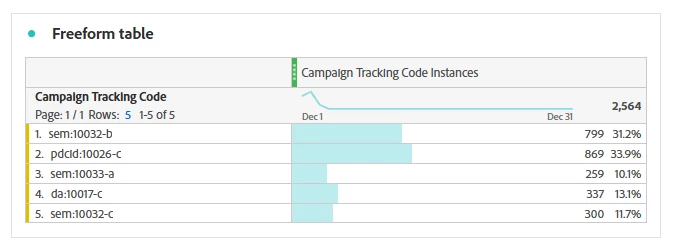
Notice that the final table is in the order I dragged the campaigns into the table, and not in the order of campaign clicks.

2 replies

jeff_bloomer
Community Advisor and Adobe Champion
jeff_bloomerCommunity Advisor and Adobe ChampionAccepted solution
Community Advisor and Adobe Champion
December 3, 2024

@michelata One hack you can do right off the bat is to use the "table builder" feature and literally drag the tracking codes into your Freeform Table in the order you would like them to appear:

Notice that the final table is in the order I dragged the campaigns into the table, and not in the order of campaign clicks.

bjoern__koth
Community Advisor and Adobe Champion
December 4, 2024

Hi @michelata,

fully agree with @jeff_bloomer . CJA has this built-in, but in AA, you will work around that.


This URL should give you a more in detail explanation.

https://experienceleague.adobe.com/en/docs/analytics/analyze/analysis-workspace/visualizations/freeform-table/column-row-settings/manual-vs-dynamic-rows

Cheers from Switzerland!