Error that appears after logging into Adobe Analytics | Community
Skip to main content
Level 2
August 23, 2024
Solved

Error that appears after logging into Adobe Analytics

  • August 23, 2024
  • 3 replies
  • 590 views

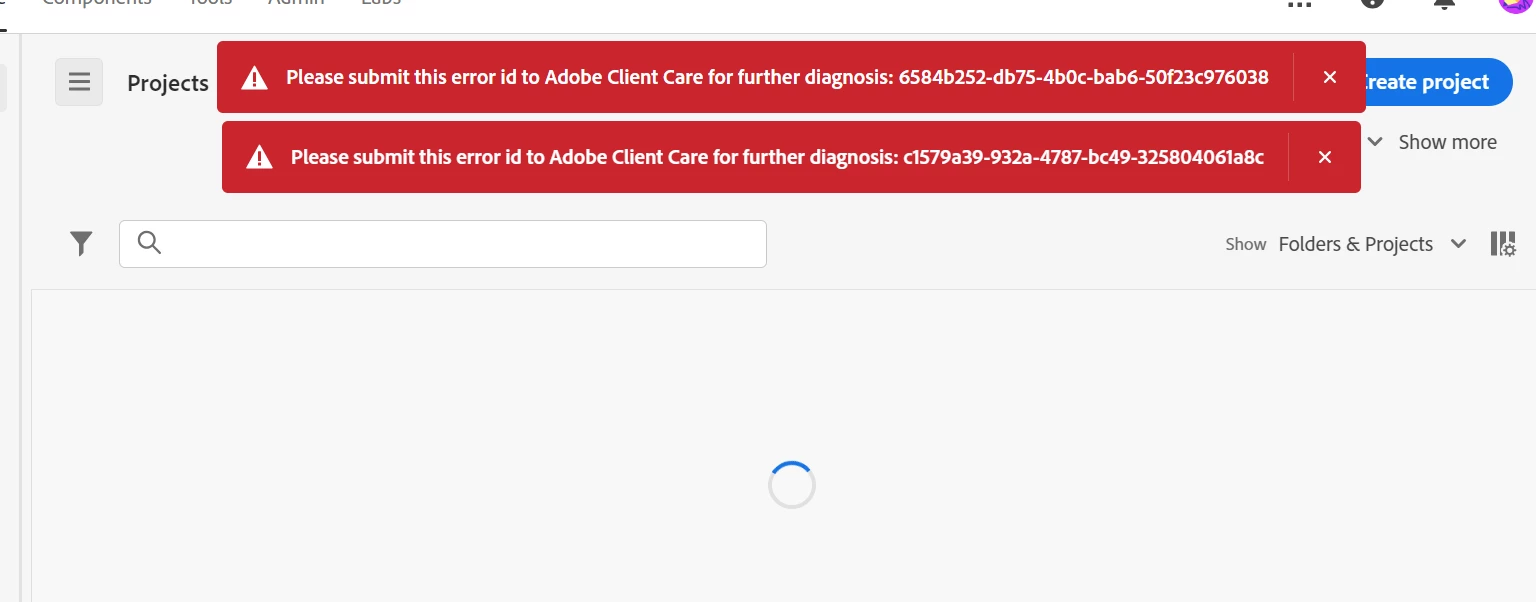
Why is this error occurring?


[Error code]

Please submit this error id to Adobe Client Care for further diagnosis: 6584b252-db75-4b0c-bab6-50f23c976038
Please submit this error id to Adobe Client Care for further diagnosis: c1579a39-932a-4787-bc49-325804061a8
 

This post is no longer active and is closed to new replies. Need help? Start a new post to ask your question.
Best answer by bjoern__koth

Hi @sunghunyo 

maybe it was caused by a release window which can happen.


Typically, in these cases go to https://status.adobe.com/ and check if any major changes or issues are in your region.

Does the issue still exist?


Cheers


3 replies

bjoern__koth
Community Advisor and Adobe Champion
bjoern__kothCommunity Advisor and Adobe ChampionAccepted solution
Community Advisor and Adobe Champion
August 23, 2024

Hi @sunghunyo 

maybe it was caused by a release window which can happen.


Typically, in these cases go to https://status.adobe.com/ and check if any major changes or issues are in your region.

Does the issue still exist?


Cheers


Cheers from Switzerland!
Isha Gupta
Community Advisor and Adobe Champion
August 23, 2024

Hi @sunghunyo ,


Along with what @bjoern__koth mentioned, I also try to login using Incognito or login again after clearing browser cache/cookies. If the issue still persists, and you can not see anything on https://status.adobe.com/, you need to raise a support ticket with client care.

Best,

Isha

Krishna_Musku
Community Advisor
Community Advisor
August 27, 2024

@sunghunyo There was a minor issue noted by adobe system status during that time, but resolved on the same day. If it is still persisting for you please log a client care ticket.