Do not have "Compare Time Periods" option in workspaces | Adobe Higher Education
Skip to main content
Este tópico foi fechado para respostas.
Melhor resposta por prasanna29212

Hi,

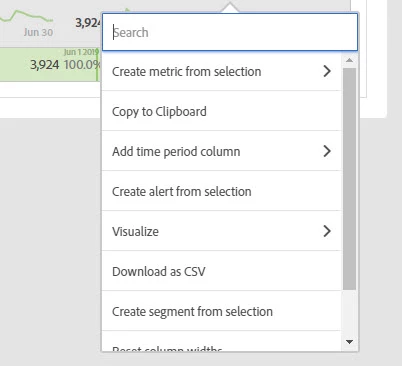
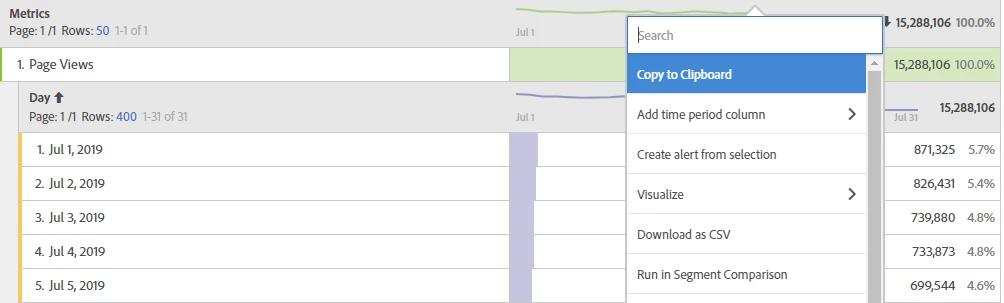
If you breakdown by time period (day, week, month) this option won't be available.Try removing the time period breakdown and use "Compare Time Periods" option. Hope this is helpful!

Thanks,

3 Respostas

Urs_Boller
Community Advisor
Community Advisor
July 20, 2019

do you have "time dimension" (day, week, month) as breakdown (row items)? I think it doesn't work with those dimension...

Level 2
July 22, 2019

Hi,

If you breakdown by time period (day, week, month) this option won't be available.Try removing the time period breakdown and use "Compare Time Periods" option. Hope this is helpful!

Thanks,

Level 7
July 23, 2019

You may try to drag and drop any time dimension or gradularity onto the "column", then use "create calculated metric" function for the comparison.