dataLayer.getState() object is not a function error | Community
Skip to main content
DineshRkumar
Level 3
July 10, 2026
Solved

dataLayer.getState() object is not a function error

  • July 10, 2026
  • 7 replies
  • 176 views

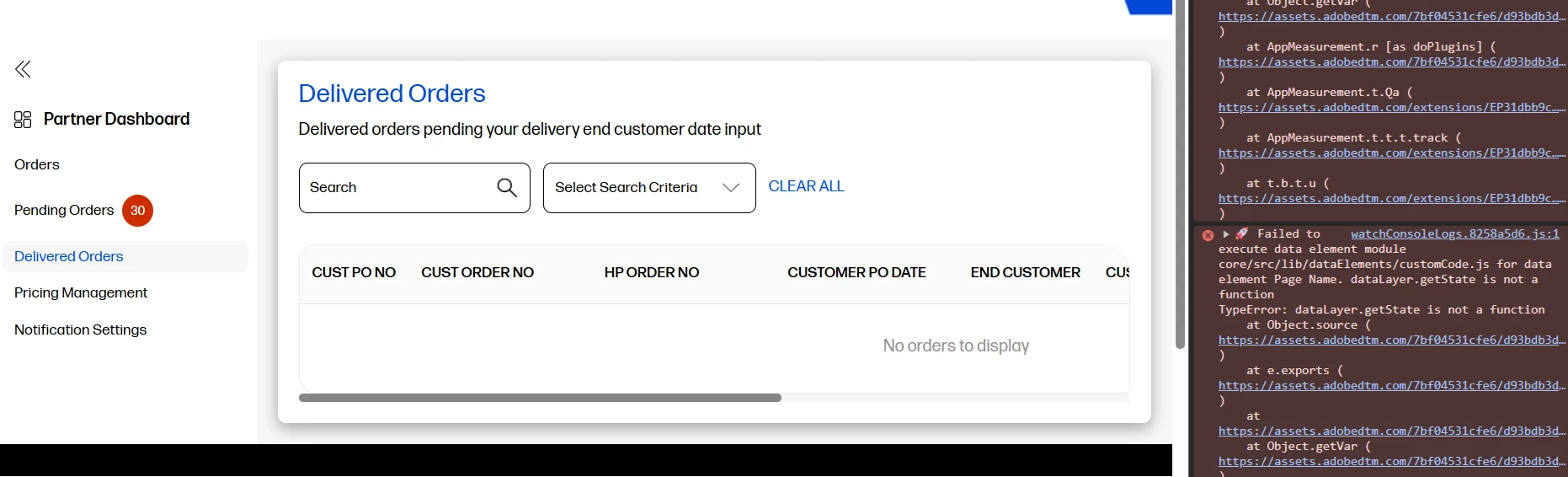
Hi, on load of the default page Orders, image beacon is firing as usual. However when user clicks on Pending Orders, Delivered Orders, Pricing Management, Notification Settings to view those pages,  we are getting below error message “dataLatyer.getState() is not a function”. May be internal pages are single page applications. Need your help to fix this error.  


Best answer by Jennifer_Dungan

Based on your other message, it looks like you are trying to use Google’s Data Layer, which has a different format and functionality associated to it.


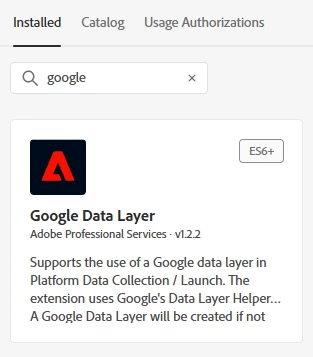
There is a Launch Extension specifically for connecting to Google’s data layer:


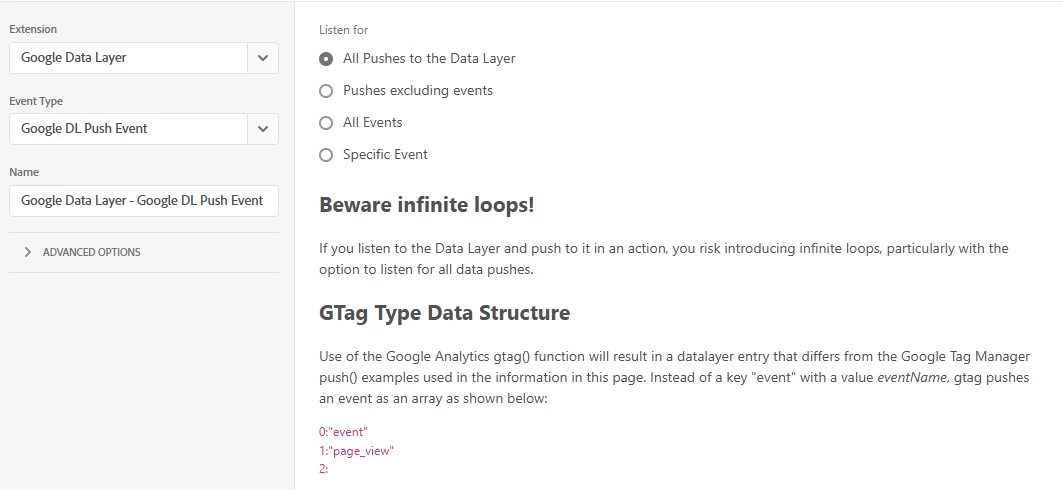
Adobe Rule “Event” based on Google DL:


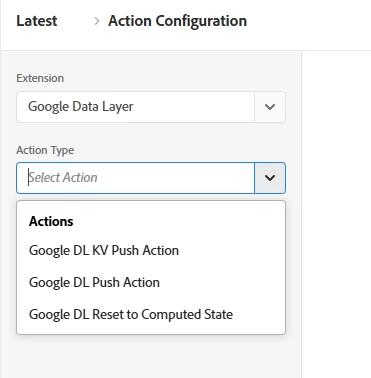
Adobe Rule Goolge DL Actions:


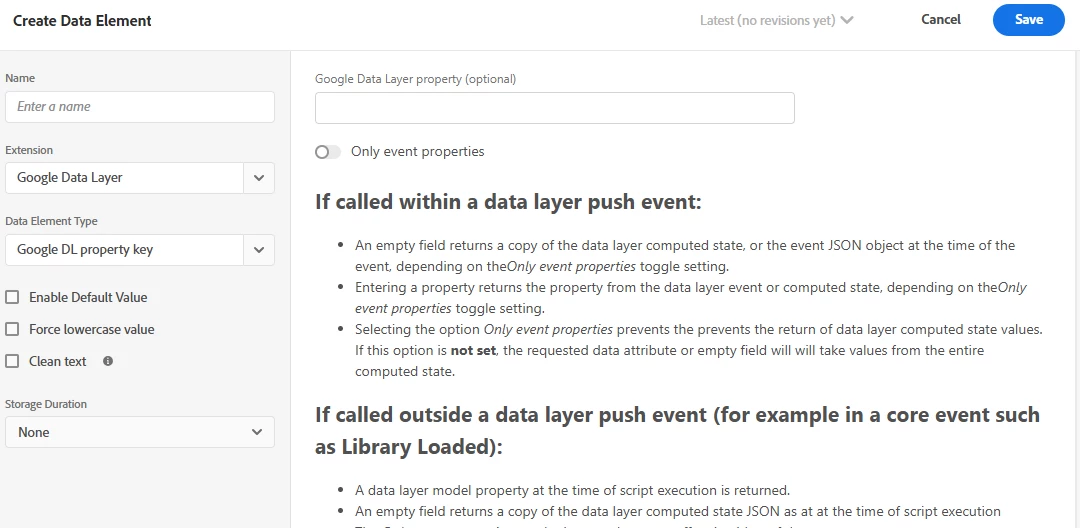
Create a Data Element from Google DL:


7 replies

Jennifer_Dungan
Community Advisor and Adobe Champion
July 10, 2026

Hi ​@DineshRkumar is your Adobe Data Layer actually called dataLayer?


In most cases that I’ve seen, “dataLayer” is used for Google, and “adobeDataLayer” is used for Adobe’s data layer. Google Data Layers don’t have a “getState()” method.

DineshRkumar
Level 3
July 14, 2026

dataLayer is our dataLayer object

Jennifer_Dungan
Community Advisor and Adobe Champion
Jennifer_DunganCommunity Advisor and Adobe ChampionAccepted solution
Community Advisor and Adobe Champion
July 14, 2026

Based on your other message, it looks like you are trying to use Google’s Data Layer, which has a different format and functionality associated to it.


There is a Launch Extension specifically for connecting to Google’s data layer:


Adobe Rule “Event” based on Google DL:


Adobe Rule Goolge DL Actions:


Create a Data Element from Google DL:


parthGupta
Level 2
July 11, 2026

Hi ​@DineshRkumar 


This error usually happens because of how Single Page Applications (SPAs) load new content without refreshing the whole page.


Here's the likely issue: your website uses something called the Adobe Client Data Layer to store page information (like page name, user actions, etc.). The getState() function is a built-in tool that reads this stored information. But on your internal pages (Pending Orders, Delivered Orders, etc.), it seems like this data layer is either:

Getting replaced with something else when the page changes, so the getState() tool no longer exists on it, or
Not fully ready yet when the tracking code tries to use it, because the SPA is still loading that page's content in the background.


How to check:

Open the browser console on one of the pages showing the error and type: typeof window.adobeDataLayer.getState
If it says "undefined," that confirms the data layer isn't set up correctly on that page.


Quick fix to stop the error from breaking things (this code checks if the tool exists before using it):
if (window.adobeDataLayer && typeof window.adobeDataLayer.getState === 'function') {
  return window.adobeDataLayer.getState('page').pageName;
}
return '';


Real fix: Ask your development team to make sure all internal pages use the same data layer (not a new one each time), and to trigger the tracking code only after the page has fully finished loading — not right when the user clicks.


I hope this will solve your problem.

DineshRkumar
Level 3
July 14, 2026


“dataLayer” is the only object which is keep getting updated on any click.

On internal pages, typeof window.adobeDataLayer.getState is returning function. 


Tried Quick fix,  but still seeing the issue.,

Jennifer_Dungan
Community Advisor and Adobe Champion
July 14, 2026

Hi, looking at your screenshot, that is Google’s Data Layer format… not the Adobe Data Layer.


If you are trying to use Google’s DL as a generic data layer, you should use this Extension to properly read and integrate with that Data Layer:


Level 2
July 12, 2026

nice