custom traffic report and traffic dimension are not showing | Community
Skip to main content
Level 2
November 16, 2022
Solved

custom traffic report and traffic dimension are not showing

  • November 16, 2022
  • 2 replies
  • 1833 views

hi everyone,

I am currently implementing AA, but when I open the report tab there is no "Custom Traffic" menu as shown below.
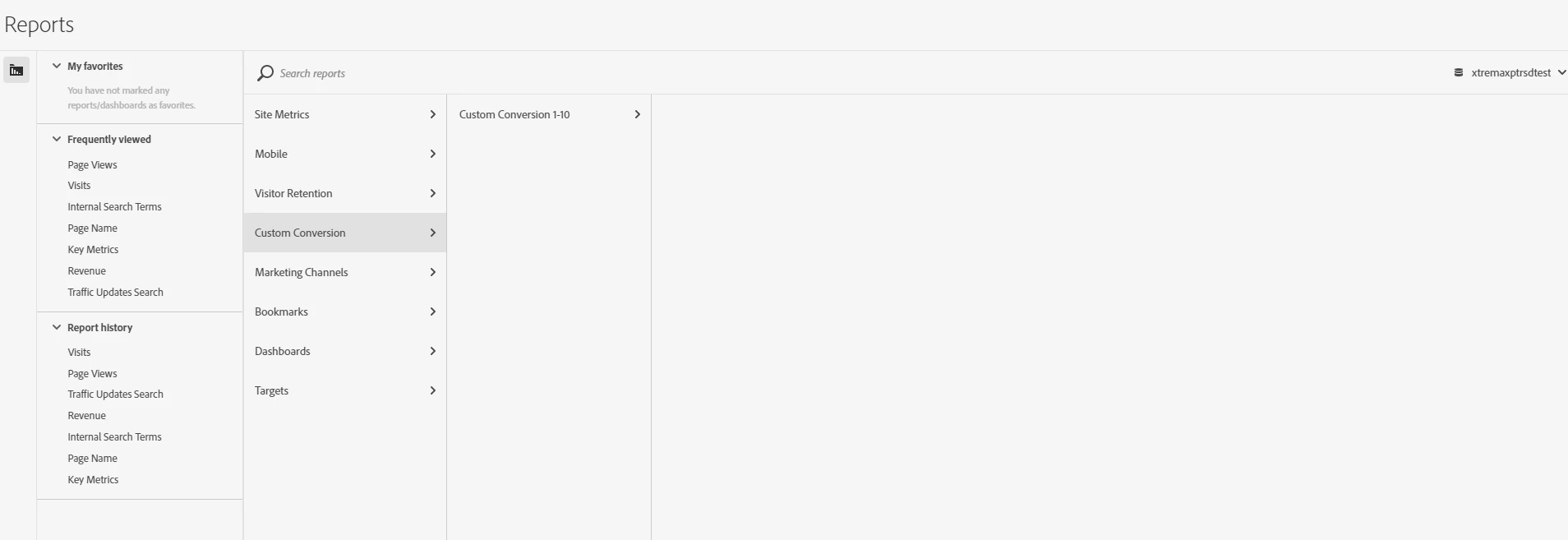
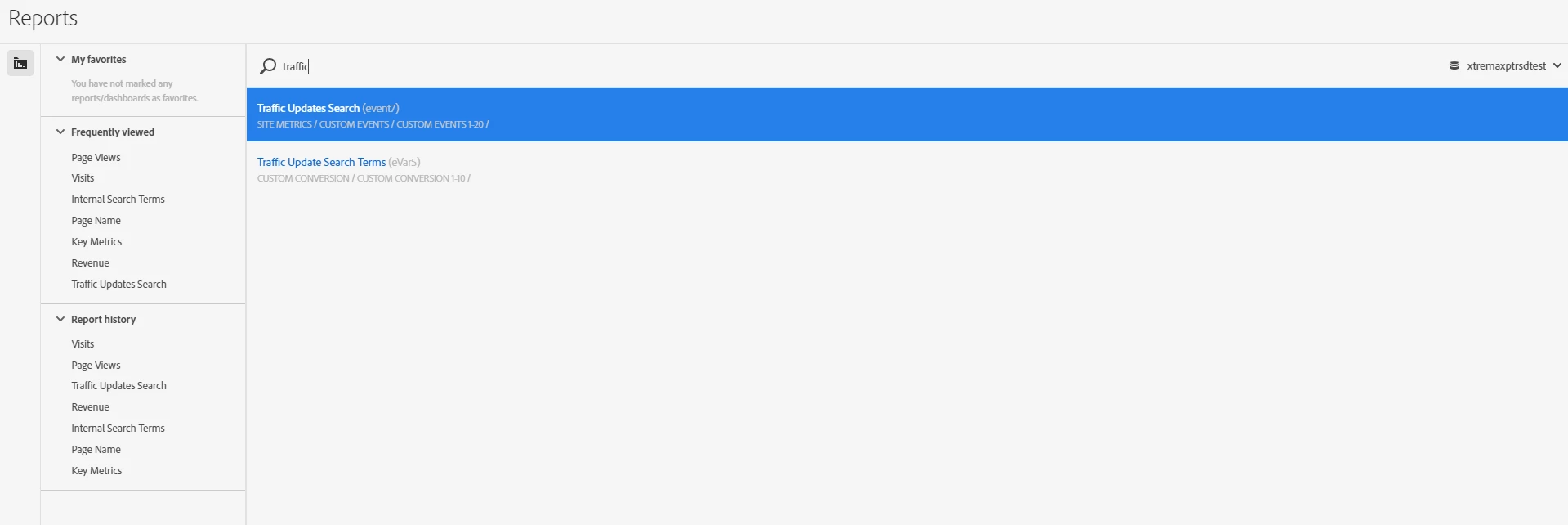
I tried searching but nothing came up
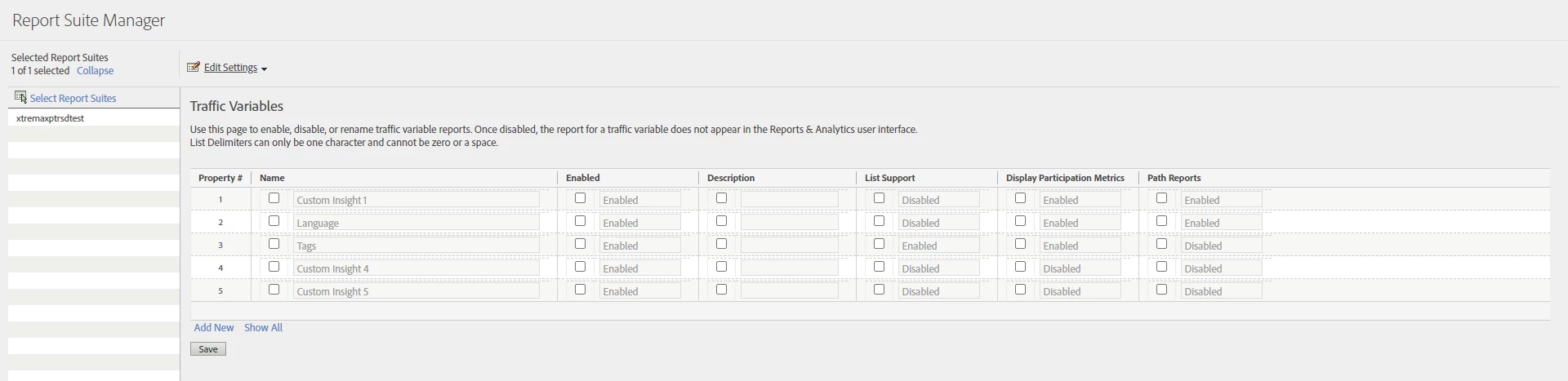
I have configured the props, as shown below
and in the workspace it's the same when I search with the keyword "props" or "Tags" (as configured) and the results are not found
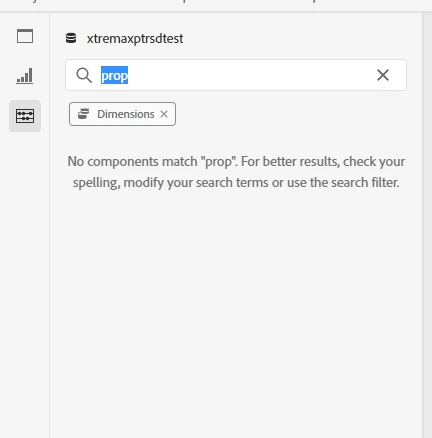
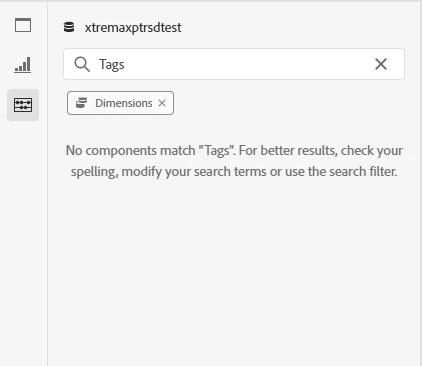
but another dimensions (evars) are shown
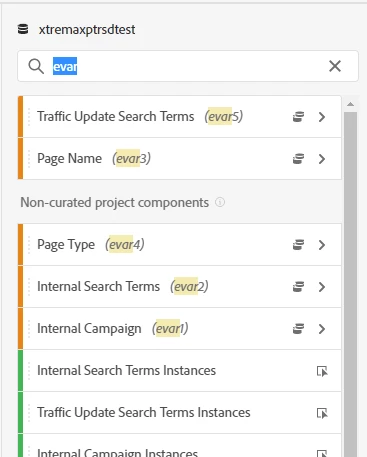


Thank you

This post is no longer active and is closed to new replies. Need help? Start a new post to ask your question.
Best answer by MattCoen

Assuming that variables are enabled, this is probably an issue with the setup in the Product Profile within the Admin.

Go into the admin under the Analytics Product Profile and go to Permissions. Ensure that all the reports you want to use are enabled under Dimensions and Metrics. 

2 replies

MattCoen
MattCoenAccepted solution
Level 2
November 16, 2022

Assuming that variables are enabled, this is probably an issue with the setup in the Product Profile within the Admin.

Go into the admin under the Analytics Product Profile and go to Permissions. Ensure that all the reports you want to use are enabled under Dimensions and Metrics. 

Level 2
November 17, 2022

thank you for your answer

Jennifer_Dungan
Community Advisor and Adobe Champion
November 16, 2022

If these dimensions were just set up and configured today, it might take some time for them to appear?


Also, I know this is a silly question, but I have to ask... the report where you showed the Prop Configuration (image 3) is the same report that you have active when you are looking for your dimensions?

Level 2
November 17, 2022

yes it is still in the same report suite "xtremaxptrsdtest", this setting was done yesterday and today I checked "traffic variables" still not showing

Jennifer_Dungan
Community Advisor and Adobe Champion
November 17, 2022

OK, that's very strange then....


I think @mattcoen might be on to something with the admin setup. (Not to steal your thunder matt, but I'm going to post some images for what you were describing)


In you product, you need to make sure that your metrics and dimensions are allowed to be seen. "Auto-included" is the easiest setting, so that as new items are added they will be available: