Respondido
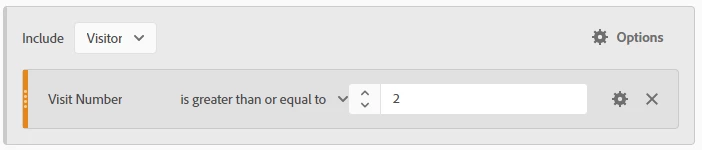
Converting a calculated metric to a segment: Creating a Return Visitors Segment to use in A4T
I'm looking to create a segment that aligns with the following calculated metric:
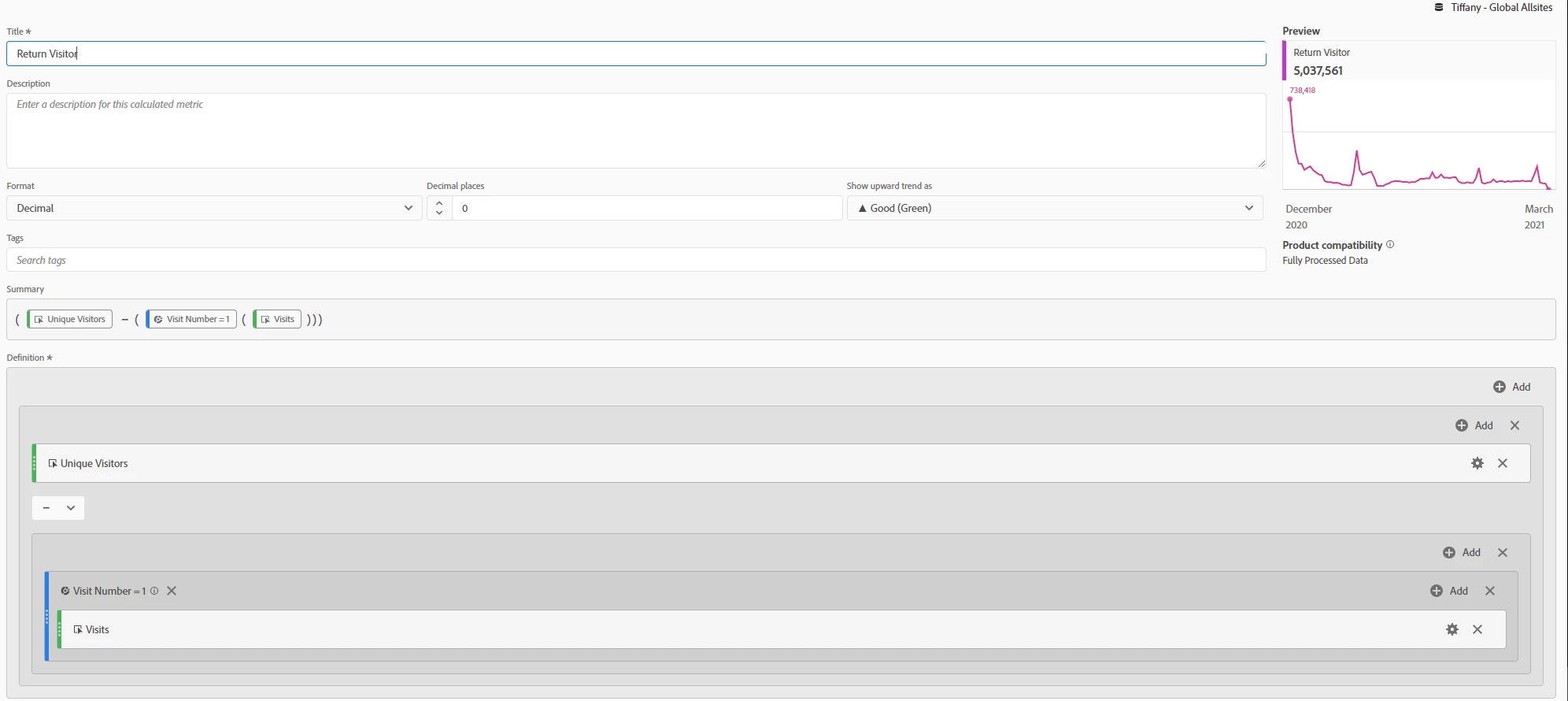
I've created this Return Visitor calculated metric for the purpose of extracting the number of return visitors who entered my Adobe Target A/B Test.
I receive this number by calculating the difference between the New Visit/Visitors and total Unique Visitors in my activity.
I am unable to use my calculated metric as my normalizing metric in A4T, therefore I needed to create a segment so that I can apply this segment across the A4T Panel. The problem is I've been experiencing issues how to replicate so the the Unique Visitors normalizing metric in my A4T Panel aligns with my calculated metric. Any ideas on how I can convert this metric into a working segment?