Analytics on Selected Pages | Community
Skip to main content
May 28, 2021
Solved

Analytics on Selected Pages

  • May 28, 2021
  • 2 replies
  • 1236 views

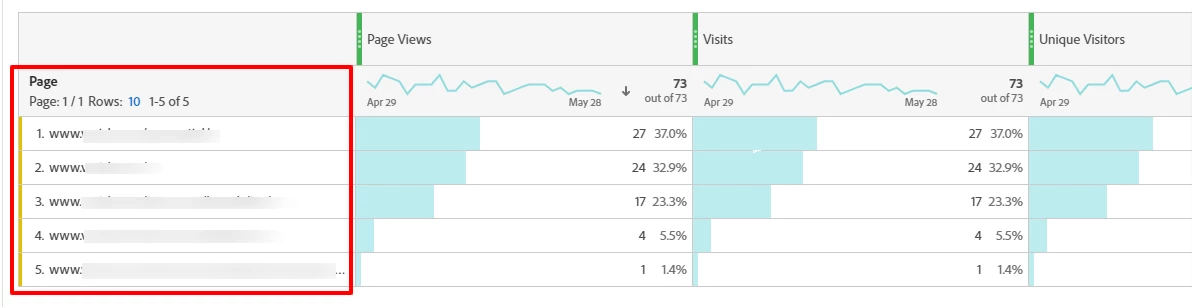
Hi, I need to create several projects for different marketing teams to share report website analytics. By default when selecting Dimensions | Pages | place it in a freeform table; all the top pages on the site appear. How can I custom build a project to only use selected pages (URLs) that each marketing team oversees? My goal is to create projects in place so it is easy to share reports when requested. (twice a month). This is my first time using Adobe Analytics and part of my role is to provide as much website analytics that is available. Thanks.
This post is no longer active and is closed to new replies. Need help? Start a new post to ask your question.
Best answer by yuhuisg

The easiest solution would be:

  1. Create one project per team
  2. Within each project:
    1. Filter the Pages in the freeform table as you desire, or
    2. Create a segment for your desired pages and add it at the project-level to restrict all of the project's visualisations

2 replies

yuhuisg
Community Advisor
yuhuisgCommunity AdvisorAccepted solution
Community Advisor
May 29, 2021

The easiest solution would be:

  1. Create one project per team
  2. Within each project:
    1. Filter the Pages in the freeform table as you desire, or
    2. Create a segment for your desired pages and add it at the project-level to restrict all of the project's visualisations
Adobe Employee
May 30, 2021