August 25, 2022
Beantwortet

Analysis workspace issue - when a visualization is not having data, workspace automatically scrolls to that dashboard

  • August 25, 2022
  • 7 Antworten
  • 1808 Ansichten

Analysis workspace issue - when a visualization is not having data to render on the workspace, workspace automatically scrolls to that visualization. This is resulting in reporting users to do the unwanted scroll back to the top of the dashboard.
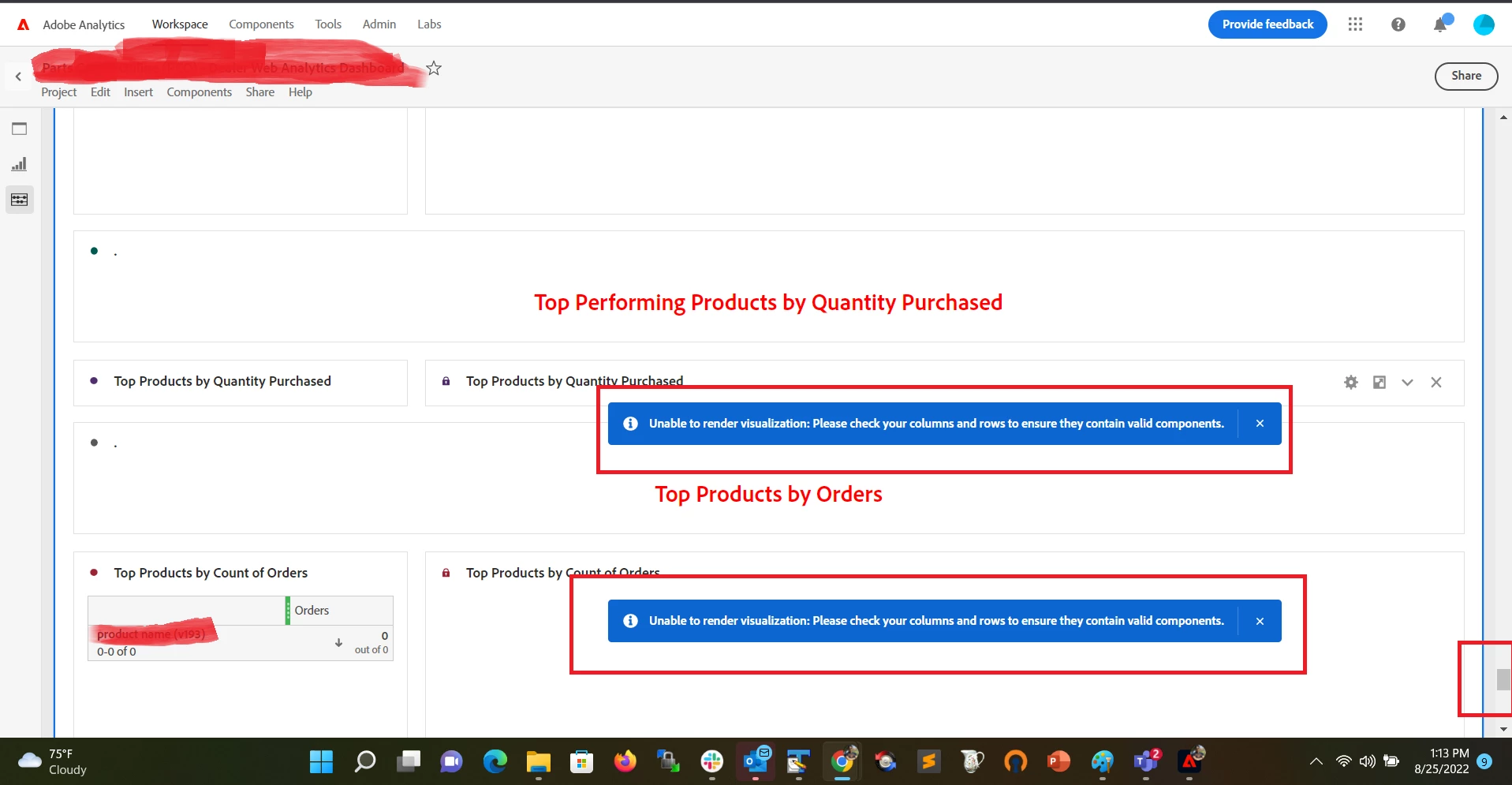
can this be stopped?

Dieses Thema wurde für Antworten geschlossen.
Beste Antwort von abrahame_easo

Thank you for the quick feedback. That's interesting. I quickly checked how this is happening

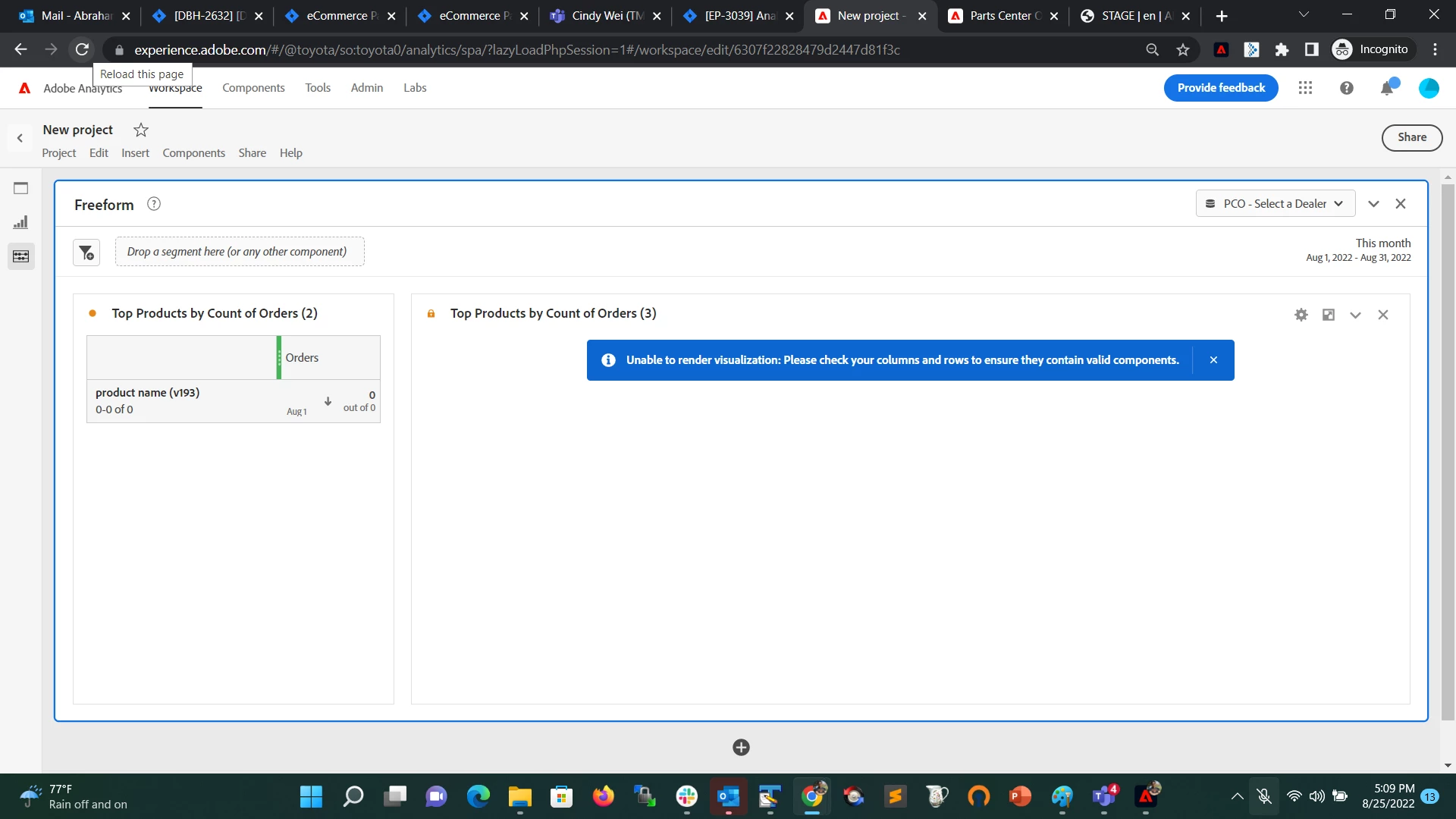
I have setup a default view with a virtual report suite, where no data is shown. The expectation is to have the user select their specific custom report suite view their data. This issue is happening on the default view where the segment/virtual reportsuite has 0 data.


7 Antworten

Jennifer_Dungan
Adobe Champion and Community Advisor
August 25, 2022

How are you building those visualizations? Generally if something returns "0" results, it's still a value of "0"...and doesn't trigger that error.


While I know I have seen these errors before (while working on projects) I've not seen this happen once the report is shared.. and I can't figure out how to force this to see if there is a solution to the issue.

abrahame_easo
Level 3
August 25, 2022

Thank you for the quick feedback. That's interesting. I quickly checked how this is happening

I have setup a default view with a virtual report suite, where no data is shown. The expectation is to have the user select their specific custom report suite view their data. This issue is happening on the default view where the segment/virtual reportsuite has 0 data.


Jennifer_Dungan
Adobe Champion and Community Advisor
August 25, 2022

OOOH I remember you now! You posted the idea about have a default suite when the selected one isn't in a user's permissions!


Well this is a really creative (and awesome idea) to get around that! I mean, aside from the new issue of the error and the auto-scrolling to said error 😛 


But... hmmm.. how to get around auto-scrolling.....


Have you tried minimizing the panels? So that the user can choose the suite, then expand?