Adobe Experience Platform Debugger events not showing | Community
Skip to main content
philb1668838
June 11, 2021
Solved

Adobe Experience Platform Debugger events not showing

  • June 11, 2021
  • 2 replies
  • 2426 views

There was a similar question but it hasn't yet been answered [https://experienceleaguecommunities.adobe.com/t5/aep-debugger-ideas/network-requests-not-appearing/idi-p/411069]

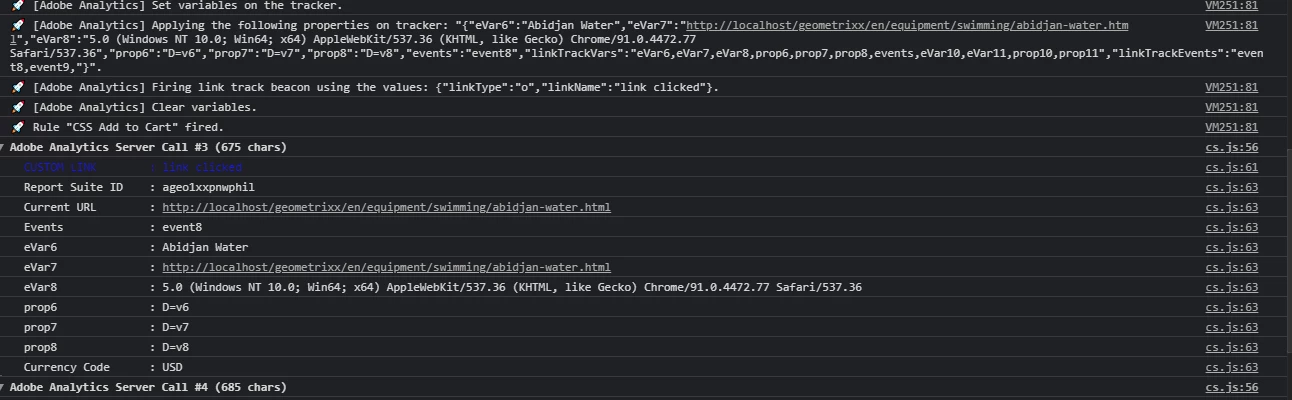
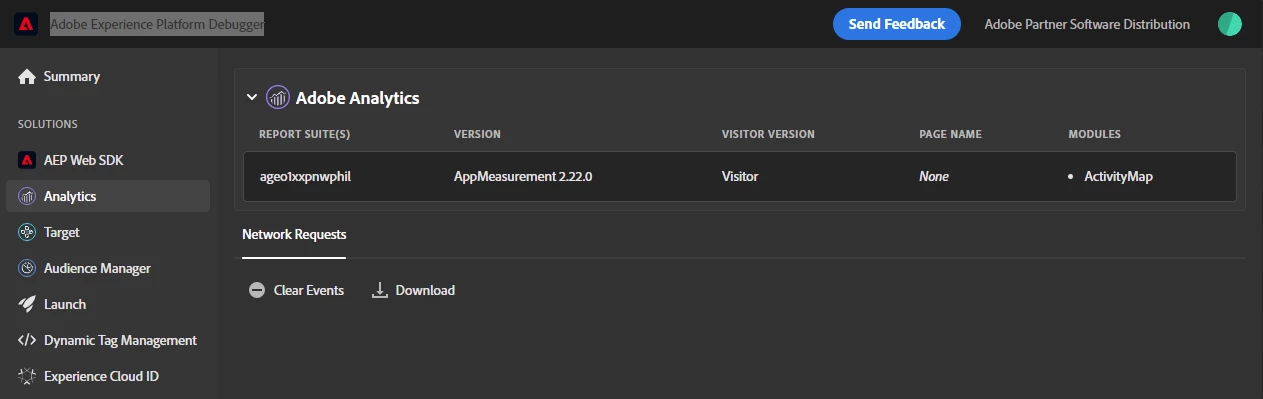
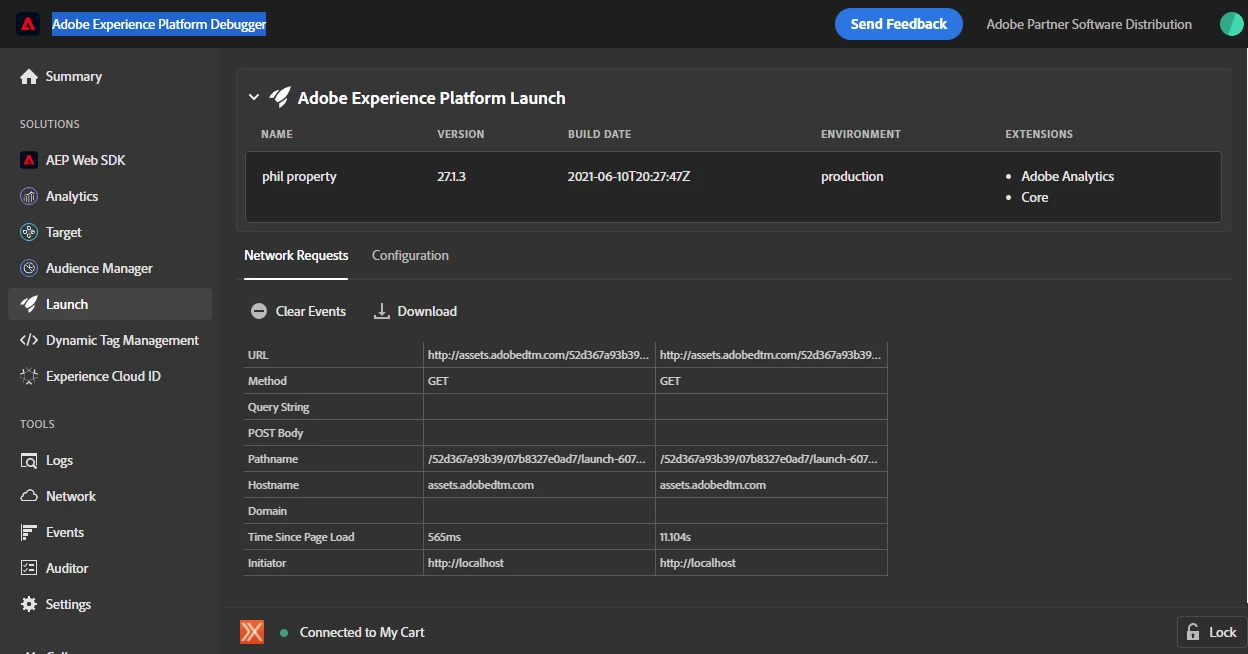
In the first screenshot, Adobe Analytics, there are no events. In the second screenshot, Launch, there are events. However the data is visible in the console, screenshot 3. It is only this one site that behaves like this. Other sites perform normally and events are shown. I'm obviously doing something wrong, but I don't know what. Thanks.
 

This post is no longer active and is closed to new replies. Need help? Start a new post to ask your question.
Best answer by amgup

@philb1668838  Are you seeing the server call in the Developer Console from Network Tab by filtering with b/ss ? 


2 replies

amgupAccepted solution
Level 7
June 14, 2021

@philb1668838  Are you seeing the server call in the Developer Console from Network Tab by filtering with b/ss ? 


philb1668838
June 25, 2021

Yes the server call is there. But now, after not having used the debugger for a while, I tried again and it is working normally. Thanks for checking!

philb1668838
June 25, 2021

After not having used the debugger for a while, I tried again and it is working normally.

I can't say what the problem was or what changed to make it work.