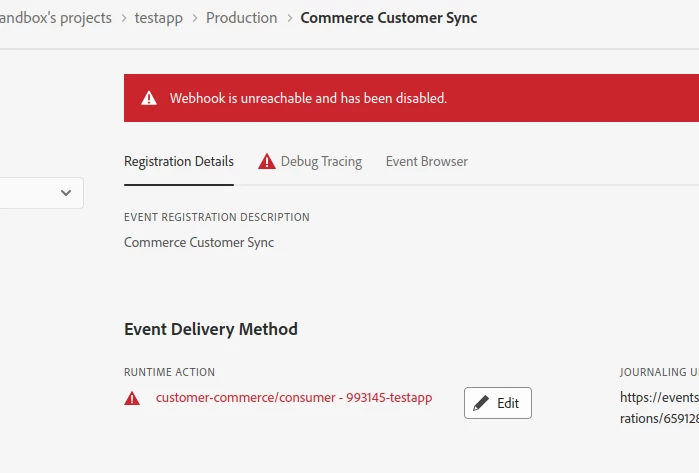
You can do the below: 1. Ensure that the consumer application is processing events successfully and is returning 2XX response. 2. Once the consumer application is restored, please update your event registration on Developer Console to reset its status.
To enable a disabled webhook, you typically need to access the platform or service where the webhook is configured. This can usually be done through the platform's settings or API. If you're using a programming language, you can send an API request to update the webhook's status to enabled. Ensure the proper authentication and the webhook URL and parameters are correct.