Local asset picker with Universal Editor | Community
Skip to main content
January 14, 2025
Question

Local asset picker with Universal Editor

  • January 14, 2025
  • 1 reply
  • 510 views

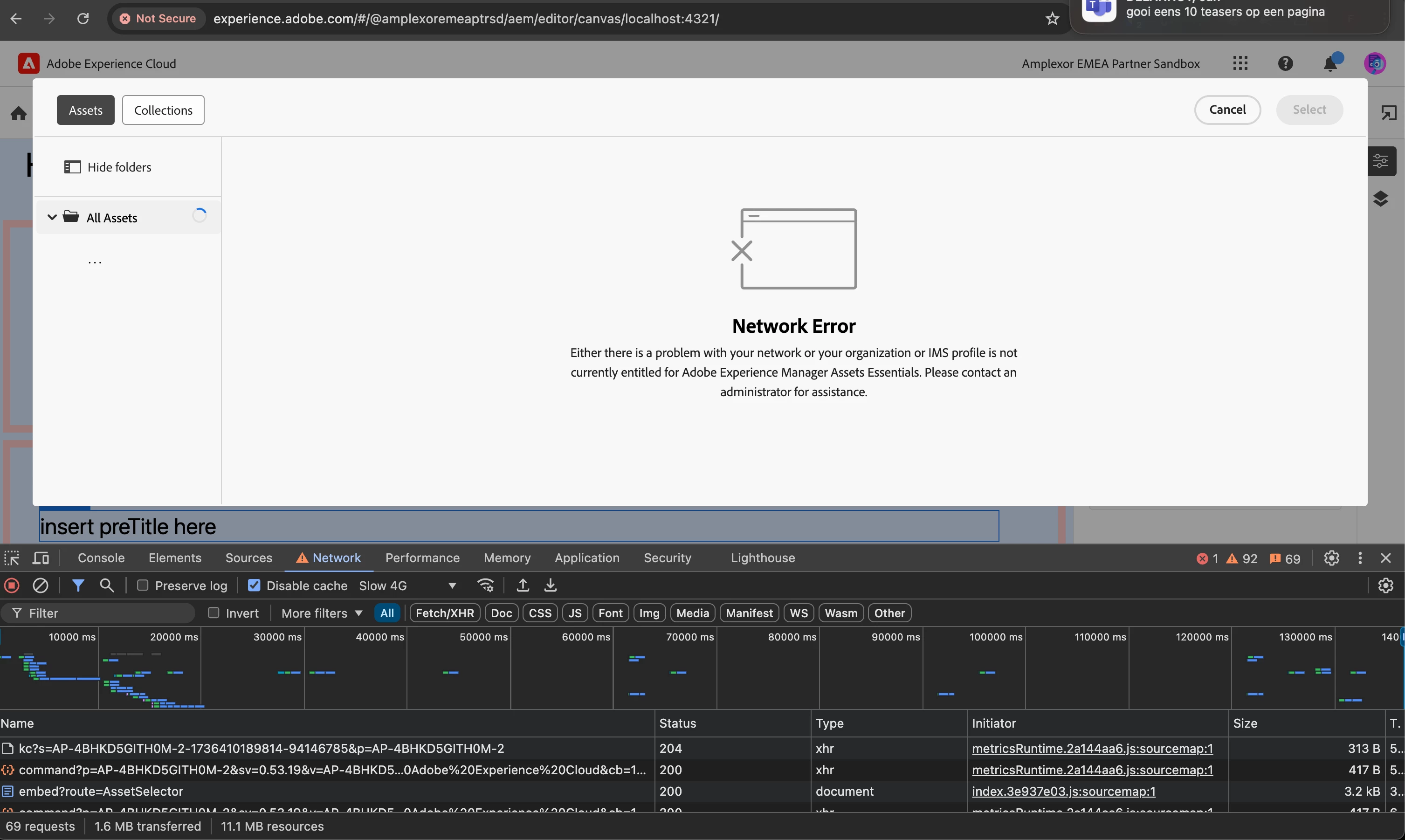
Hi, we're experimenting with the universal editor with AEM on prem. 
Everything works fine but the asset picker doesn't. I think it's trying to access the AEM cloud asset picker instead of our local instance.
Has anyone else encountered this and is there a fix?
 

This post is no longer active and is closed to new replies. Need help? Start a new post to ask your question.

1 reply

sarav_prakash
Community Advisor
Community Advisor
January 15, 2025

Its todo with proxying. does your developer console throw cors errors? Can you try running from corsfree browser. I explained running from corsfree browser in my article here https://medium.com/@bsaravanaprakash/enable-universal-editor-on-any-react-app-in-4-easy-steps-e7c454af6008#84cf


Windows users — From Run chrome.exe --user-data-dir="C://Chrome dev session" --disable-web-security; Mac users - From terminal open -na Google\ Chrome --args --user-data-dir=/tmp/temporary-chrome-profile-dir --disable-web-security --disable-site-isolation-trials .


Second, incase localhost fails, try to point to AEM cloud instance itself. It ll save time resolving local proxying issues. 

Upon double clicking asset element, it should launch DAM folder like this