Developer API Access to Adobe Acrobat Sign Disappeared - Please Help:) | Community
Skip to main content
Level 1
March 12, 2026
Question

Developer API Access to Adobe Acrobat Sign Disappeared - Please Help:)

  • March 12, 2026
  • 1 reply
  • 15 views

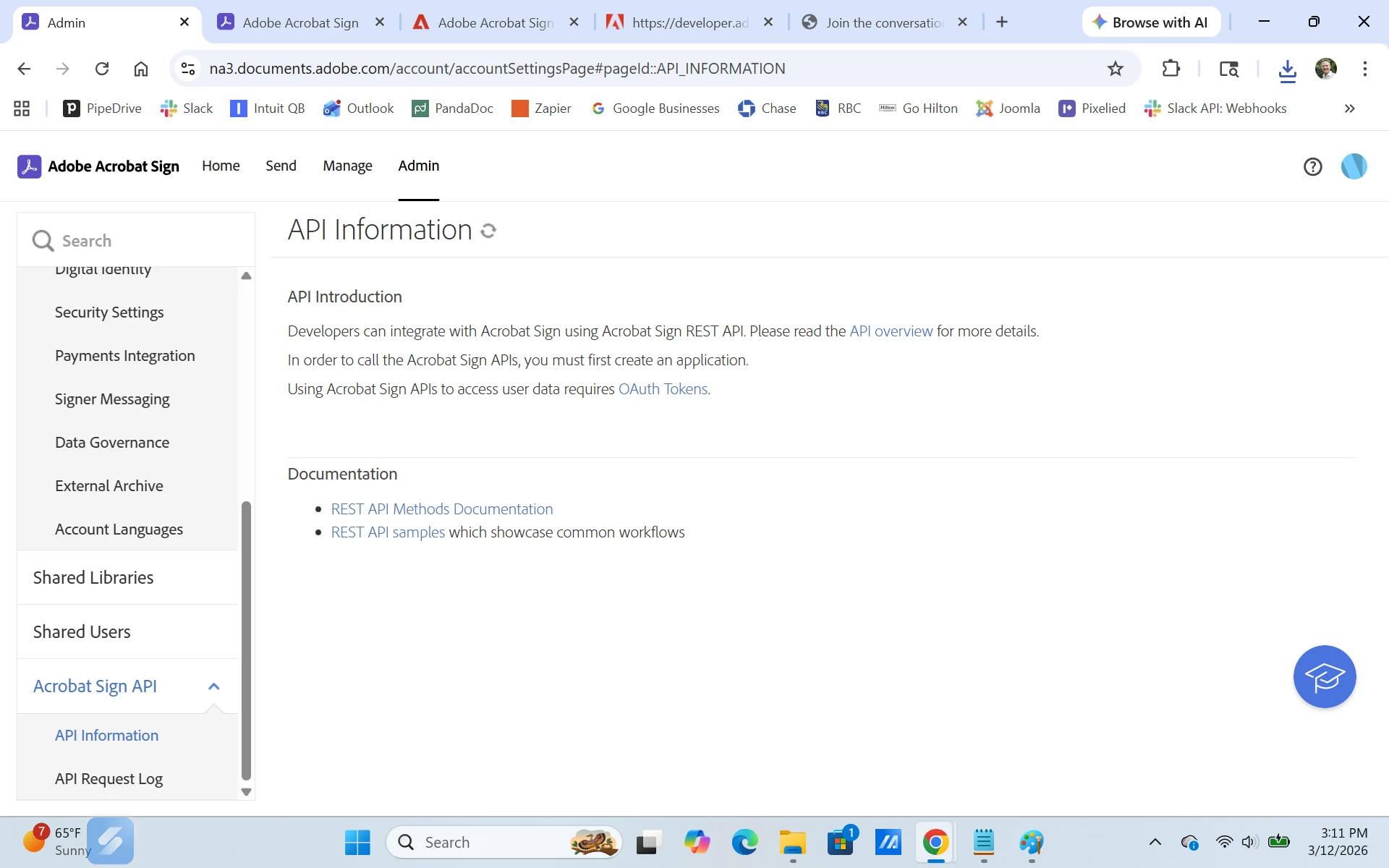
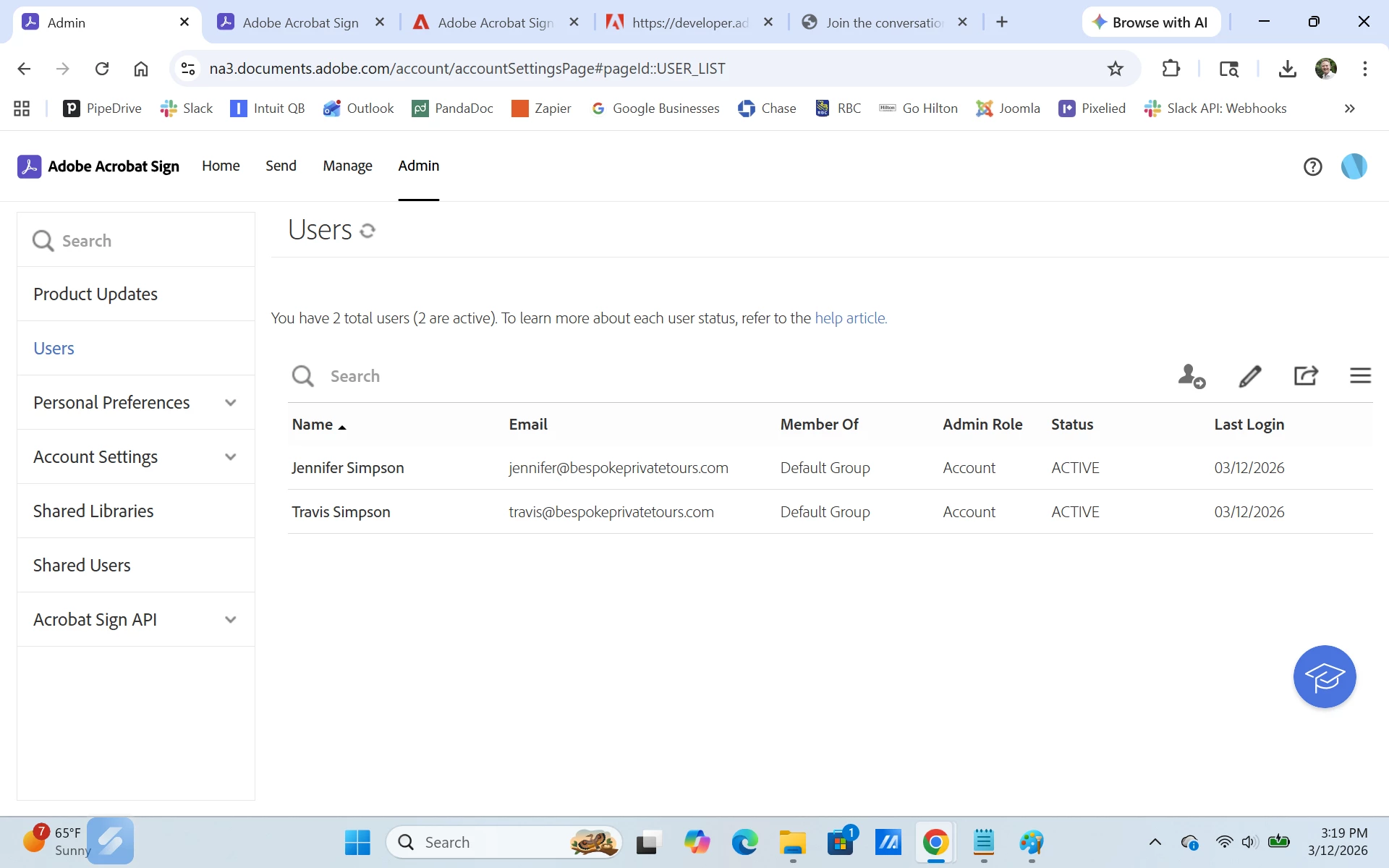
After establishing a developer account, I gained access to the Adobe Acrobat Sign API section and was able to create a new application from the Application List page for OAuth 2.0. The Adobe Acrobat Sign license was attached to a different user in our organization at that time. However, we moved the application license from the initial user over to me. After that when logging back into Adobe Acrobat Sign, my Developer API Access disappeared. Snapshots of when I had access and then after access was gone are below. I don’t know how or who to contact to help restore it. 
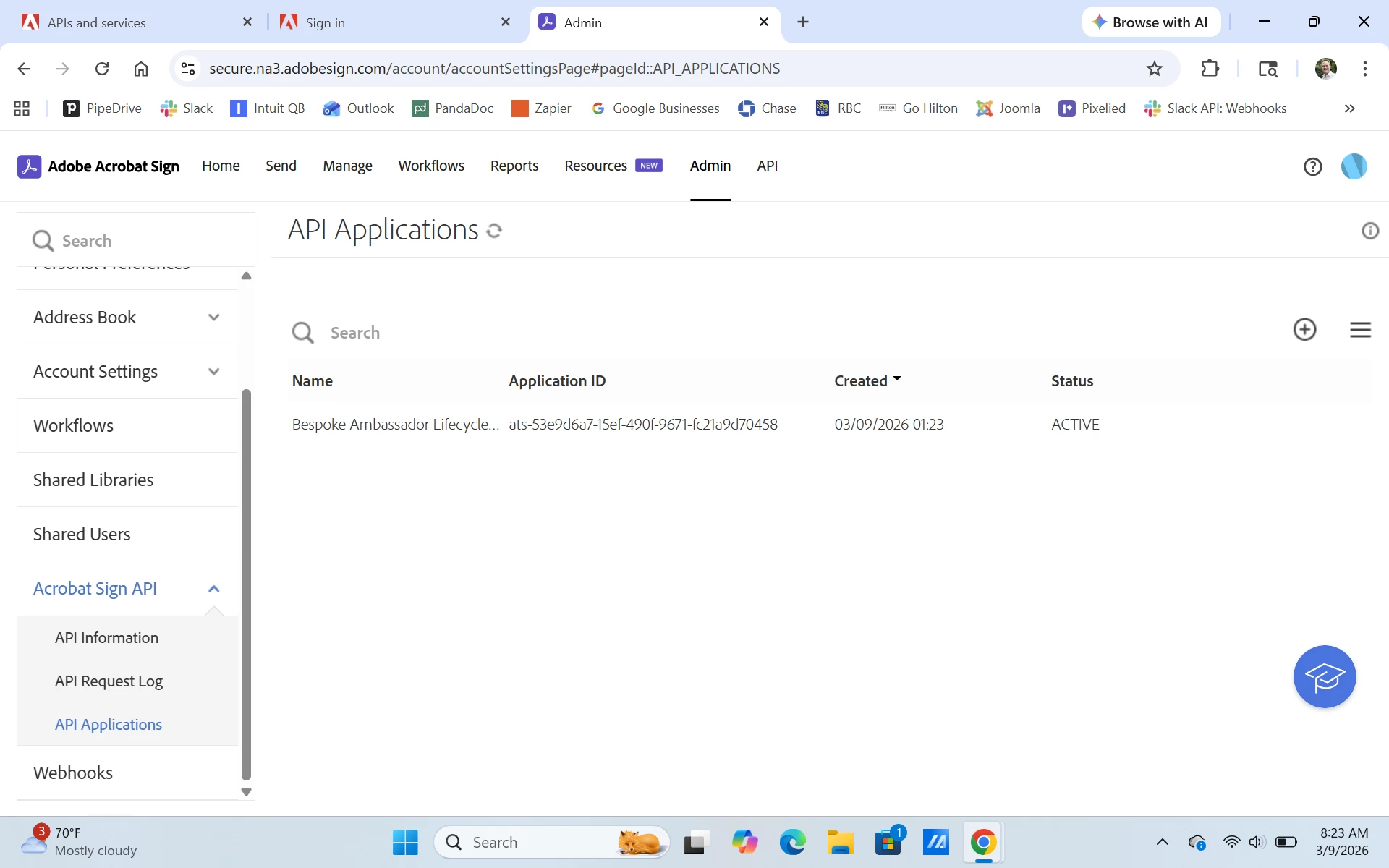
API Access snapshot
No API Access snapshot


    1 reply

    AmitVishwakarma
    Community Advisor
    Community Advisor
    March 13, 2026

    Hi ​@Travis_Simpson 

    In Acrobat Sign, the Developer / API section only appears if your current Sign account is API‑enabled (Enterprise or Developer tier). Moving the product license to your user changed which account/org you're attached to, and the new account is not flagged as a developer/API account, so the "Acrobat Sign API / Application List" UI disappears.

    API access is explicitly limited this way:

    "API access is reserved exclusively for enterprise and developer tier accounts." https://helpx.adobe.com/sign/faq/api.html


    • Confirm you're in the right Sign account
    • Sign out everywhere, then sign in at: https://secure.adobesign.com/public/login
      • Make sure you're using the same email/account that originally had the developer access.
      • If the Acrobat Sign API menu is still missing, that account is not API‑enabled anymore.
    • Ask your Acrobat Sign account admin to check entitlements
      • They should verify in the Adobe Admin Console that:
        • Your org actually has an Acrobat Sign plan that includes API access (Enterprise or Sandbox/Developer tier, not just a standard end‑user license).
        • Your user is in the correct Sign account/org associated with that plan (no duplicate/old account with the same email).
    • If you were using a separate Developer account for APIs
      • Developer accounts are separate from production licenses and are the supported way to test APIs.
      • If your original developer org was different, you must still log in with that developer account, or request a new Acrobat Sign Developer / Sandbox account through Adobe (via your sales contact or the official dev sign‑up flow):
    • If your admin confirms you have the right plan but no API UI
      • Have them open a support case from the Admin Console (Support tab) and ask specifically to:
        • "Enable Acrobat Sign API / developer access for this account/org" and
        • Restore visibility of Acrobat Sign API → API Applications / API Information.
    • Once your user is on an API‑enabled Sign account again (enterprise or developer), the Developer/API section and your Application List will reappear.
    Amit Vishwakarma - Adobe Commerce Champion 2025 | 16x Adobe certified | 4x Adobe SME