
CloudEvent calling Webhook successfully, but Body is empty | Community
Skip to main content
nuzil
Level 2
April 13, 2022
Solved

CloudEvent calling Webhook successfully, but Body is empty

  • April 13, 2022
  • 1 reply
  • 1284 views

Hello,


I'm playing around with CloudEvents and have the following issue:


I configured Eventmetadata and then fire an event like folowing:

function createCloudEvent(providerId, eventCode, payload) { let cloudevent = new CloudEvent({ source: 'urn:uuid:' + providerId, type: eventCode, datacontenttype: "application/json", data: { hello: 'world' }, id: uuid.v4() }); return cloudevent }


As a result, event is fired successfully and webhook got triggered.

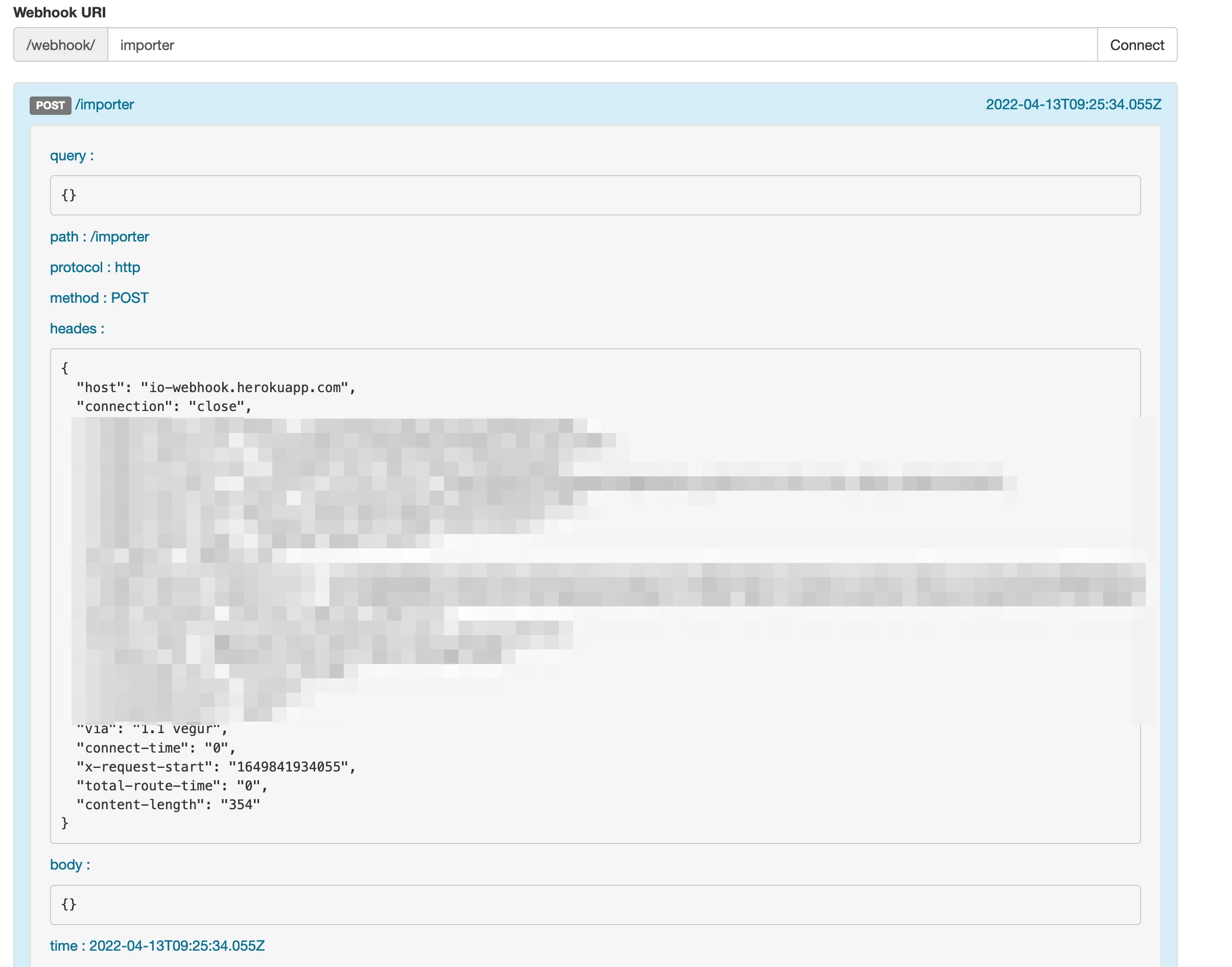
But Body of it is always empty:


Will be very thanksfull for any help

This post is no longer active and is closed to new replies. Need help? Start a new post to ask your question.
Best answer by shikhartanwar

Hi @nuzil,

I noticed that you are using the https://io-webhook.herokuapp.com/ as the webhook server. There is a known bug in this server where it's only able to display payloads when the content type is application/json.

If you created this integration using developer console, you should be able to view debug traces of the events flowing.

Alternatively, you can use https://webhook.site as the webhook server, but you'll have to take care of challenge deliveries manually then.

Hope this helps!

Thanks, Shikhar

1 reply

shikhartanwarAdobe EmployeeAccepted solution
Adobe Employee
April 13, 2022

Hi @nuzil,

I noticed that you are using the https://io-webhook.herokuapp.com/ as the webhook server. There is a known bug in this server where it's only able to display payloads when the content type is application/json.

If you created this integration using developer console, you should be able to view debug traces of the events flowing.

Alternatively, you can use https://webhook.site as the webhook server, but you'll have to take care of challenge deliveries manually then.

Hope this helps!

Thanks, Shikhar

nuzil
nuzilAuthor
Level 2
April 13, 2022

Thats it! Thanks a lot.

I also noticed that in console.adobe.io is correct payload shown.