How to schedule an email with an Email Program?
How do you schedule an email with an Email Program.
There are 2 ways to schedule an email using an Email Program. The most conventional could be using tile number 3 of the Control Panel (see image below).
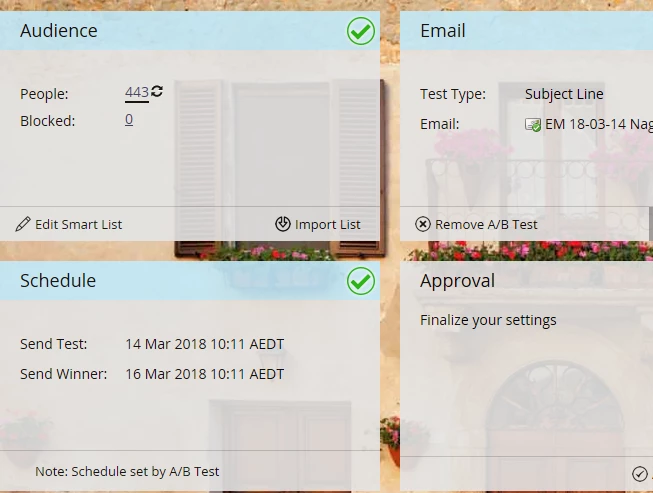
If you are using an A/B Testing, you will schedule your email in the pop up that comes up when you click 'Add A/B Testing'.
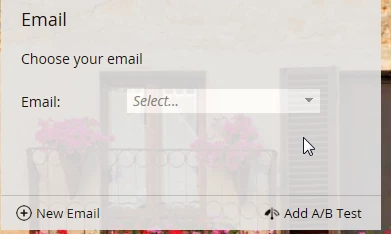
If you use an A/B Testing you would need to do click Add A/B Test
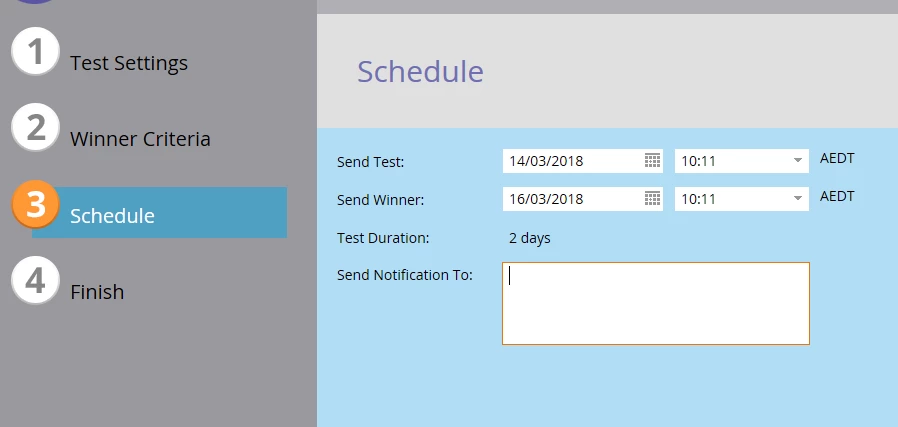
In point number 3, this is where you would schedule your email if you use A/B Testing.
For certification purposes, it is a good idea that you get familiar with all the different scenarios used on an Email Program.